








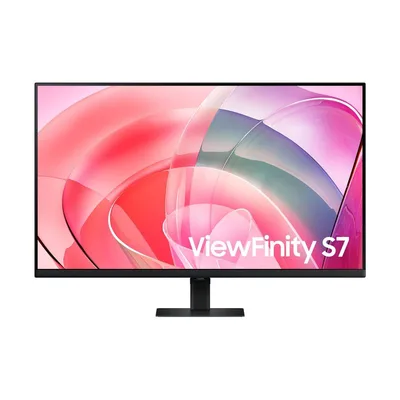
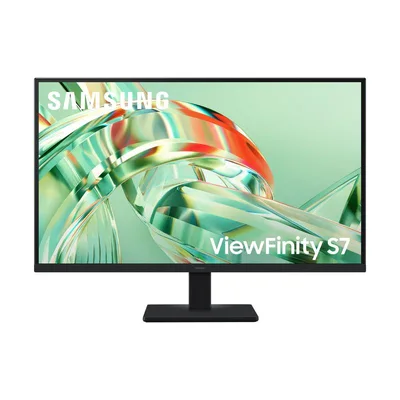
- Screen
- 32" IPS
- Resolution
- 4K
- Refresh rate
- 60 Hz
- Brightness
- 300 nits
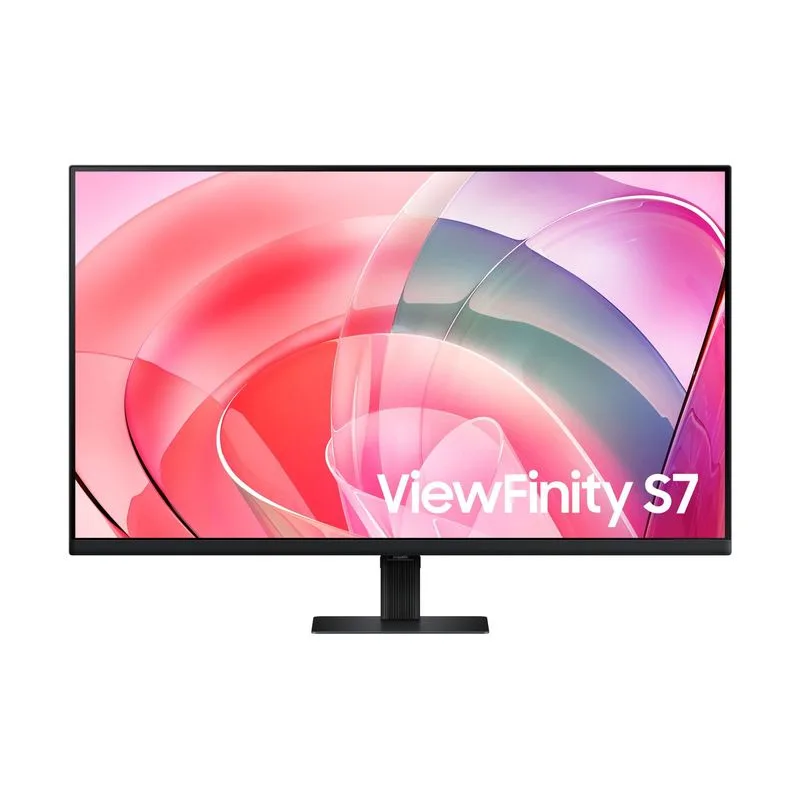
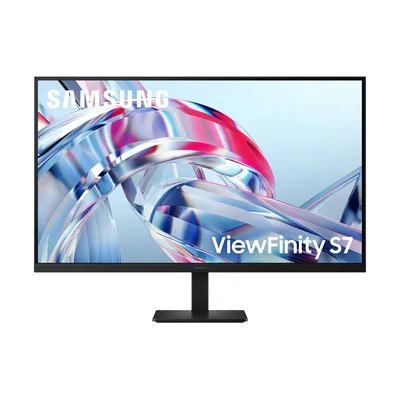
Image source: Samsung
Samsung ViewFinity S7 S70D 32
Also sold as LS32D700EBNXGO;LS32D700EAUXXU;LS32D701EANXZA;LS32D701EAUXXU;LS32D702EANXGO;LS32D708EBNXGO
- Screen
- 31.5" IPS
- Resolution
- 4K (3840 x 2160)
- Refresh rate
- 60 Hz
- Brightness
- 350 nits
- Ports
- 1x HDMI 2.0 · 1x DP 1.2
- Stand
- Tilt only
- Weight
- 5.9 kg (13.0 lb)
We earn a commission from qualifying Amazon purchases made through our links, at no extra cost to you. This never affects our specs. How we make money.
Find it in these categories
Samsung ViewFinity S7 S70D 32 at a glance
-
Best for
Made for desk work
A 31.5-inch 4K screen like this suits documents, spreadsheets and video calls.
-
Stand
Fixed height
You can't raise it, so most people end up stacking it on books or buying a monitor arm to get it to eye level.
Samsung ViewFinity S7 S70D 32 full specifications
Overview
| Brand | Samsung |
|---|---|
| Model | ViewFinity S7 S70D 32 |
| Series | ViewFinity |
| Type | Office monitor |
| Generation | S70D |
| Released | 2025-01-10 |
| Versions | LS32D700EAUXXU |
| Colors | Black |
| Also sold as | S70D |
Screen
This is a 31.5-inch 4K IPS screen: IPS gives accurate color and wide viewing angles, the safe all-round choice.
| Screen size | 32 in |
|---|---|
| Exact diagonal | 31.5 in |
| Resolution | 3840 x 2160 |
| Pixel density | 140 ppi |
| Aspect ratio | 16:9 |
| Panel type | IPS |
| Panel name | IPS |
| Curved | No |
| Touchscreen | No |
| Viewing angle | 178° |
Picture & color
It's calibrated at the factory, so colors are close to right without tuning.
| Brightness | 350 nits |
|---|---|
| Contrast ratio | 1,000:1 |
| HDR formats | HDR10 |
| Color depth | 10-bit |
| sRGB coverage | 99 % |
| Factory calibrated | Yes |
Gaming & motion
60Hz is the basic office speed, fine for documents and video but not for fast games.
| Refresh rate | 60 Hz |
|---|
Ports
It has one HDMI input and one DisplayPort input, so a computer and one more device can stay connected.
| HDMI ports | 1 |
|---|---|
| HDMI version | 2.0 |
| DisplayPort inputs | 1 |
| DisplayPort version | 1.2 |
| USB-C video | No |
| USB-A ports | 0 |
| Headphone jack | Yes |
| All ports | HDMI, DisplayPort, Headphone |
Stand & mounting
There's no height adjustment, which leaves the screen below eye level on most desks unless you add a riser or an arm. A 100 x 100 VESA mount lets you swap the stand for a monitor arm.
| Height adjustment | None |
|---|---|
| Tilt | -2.0°(±2.0°)~25.0°(±2.0°) |
| Portrait mode (pivot) | No |
| VESA mount | 100 x 100 |
| Stand included | Yes |
Audio, camera & extras
No speakers are built in, though you can plug headphones into the monitor. The backlight is flicker-free, easier on the eyes over a long workday.
| Speakers | No |
|---|---|
| Flicker-free | Yes |
| Low blue light | Software mode |
| Picture-in-picture | Yes |
Size, weight & power
| Weight with stand | 5.9 kg (13.0 lb) |
|---|---|
| Weight without stand | 4.4 kg (9.7 lb) |
| Dimensions with stand | 713.7 x 500.4 x 180.3 mm (28.1 x 19.7 x 7.1 in) |
| Dimensions without stand | 713.7 x 424.2 x 40.6 mm (28.1 x 16.7 x 1.6 in) |
| Power use (typical) | 31 W |
| Power use (max) | 100 W |
| Standby power | 0.5 W |
| Power supply | Built in |
In the box
| In the box | Power cable, HDMI cable |
|---|
Specs compiled from Samsung's product pages and datasheets, with some identifiers from Open Icecat. Manufacturers revise hardware between versions, so check the version on the box. Spotted an error? Tell us.
Similar monitors
- Screen
- 31.5" IPS
- Resolution
- 4K
- Refresh rate
- 60 Hz
- Brightness
- 350 nits
- Screen
- 32" VA
- Resolution
- 4K
- Refresh rate
- 60 Hz
- Brightness
- 300 nits
- Screen
- 31.5" VA
- Resolution
- 4K
- Refresh rate
- 60 Hz
- Brightness
- 350 nits