








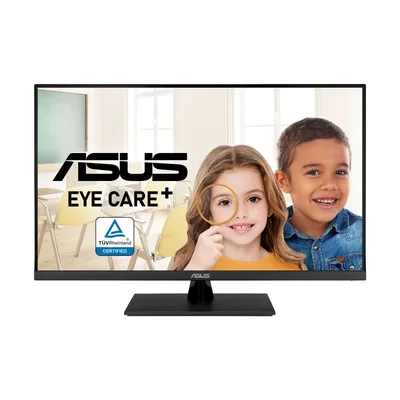
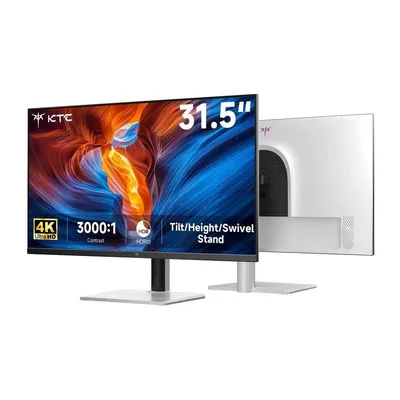
- Screen
- 31.5" VA
- Resolution
- 4K
- Refresh rate
- 60 Hz
- Brightness
- 300 nits
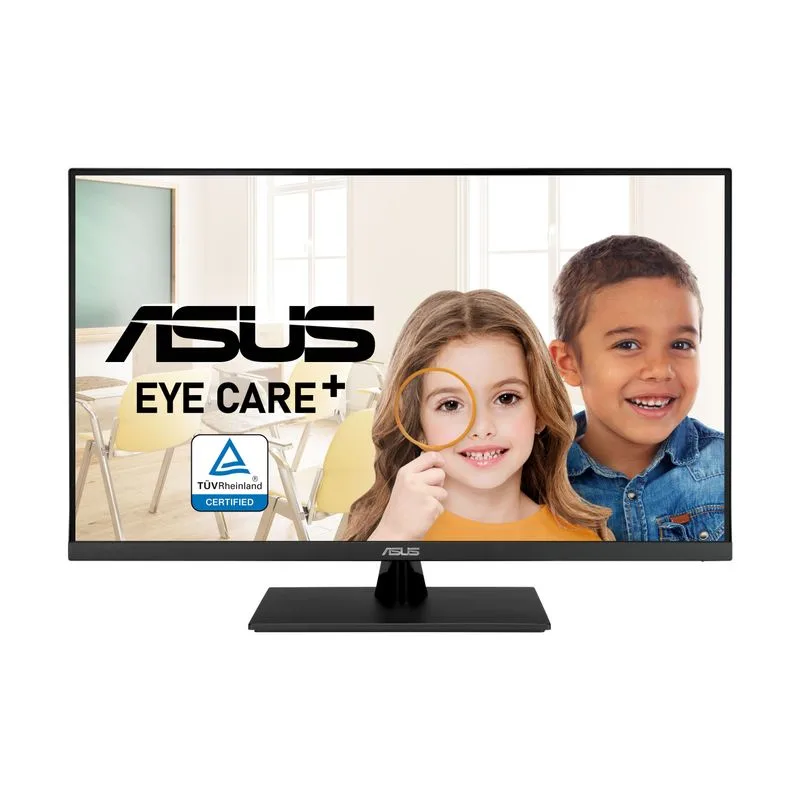
Image source: ASUS
ASUS VP327Q
- Screen
- 31.5" VA
- Resolution
- 4K (3840 x 2160)
- Refresh rate
- 60 Hz
- Response time
- 4 ms GtG
- Brightness
- 350 nits
- Adaptive sync
- Adaptive sync
- Ports
- 2x HDMI 2.0 · 1x DP 1.2
- Stand
- Tilt only
- Weight
- 7.8 kg (17.2 lb)
We earn a commission from qualifying Amazon purchases made through our links, at no extra cost to you. This never affects our specs. How we make money.
Find it in these categories
ASUS VP327Q at a glance
-
Contrast
Deep contrast
Blacks look deeper than on most screens, since its VA panel out-contrasts 76% of the monitors we list, though very fast motion can smear a little.
-
Best for
Made for desk work
A 31.5-inch 4K screen like this suits documents, spreadsheets and video calls.
-
Stand
Fixed height
The stand has no height adjustment, so you can't bring the screen up to eye level without a monitor arm or a riser.
ASUS VP327Q full specifications
Overview
| Brand | ASUS |
|---|---|
| Model | VP327Q |
| Type | Office monitor |
| Colors | Black |
Screen
A 31.5-inch 4K VA screen. VA gives deeper blacks than IPS, at the cost of narrower viewing angles and slower dark transitions.
| Screen size | 31.5 in |
|---|---|
| Exact diagonal | 31.5 in |
| Resolution | 3840 x 2160 |
| Pixel density | 140 ppi |
| Aspect ratio | 16:9 |
| Panel type | VA |
| Panel name | VA |
| Curved | No |
| Screen finish | Matte (anti-glare) |
| Touchscreen | No |
| Viewing angle | 178° |
Picture & color
At 3,000:1 its contrast beats 76% of the monitors we list, so dark scenes keep their depth.
| Brightness | 350 nits |
|---|---|
| Contrast ratio | 3,000:1 |
| HDR formats | HDR10 |
| sRGB coverage | 99 % |
Gaming & motion
60Hz is the basic office speed, fine for documents and video but not for fast games.
| Refresh rate | 60 Hz |
|---|---|
| Overclocked refresh | No |
| Adaptive sync | VESA AdaptiveSync |
| Response time (GtG) | 4 ms |
| Gaming extras | GamePlus |
Ports
Two HDMI inputs and one DisplayPort input leave room for three devices without swapping cables.
| HDMI ports | 2 |
|---|---|
| HDMI version | 2.0 |
| DisplayPort inputs | 1 |
| DisplayPort version | 1.2 |
| USB-C video | No |
| USB-A ports | 0 |
| Ethernet | No |
| Daisy chain (DP out) | No |
| Headphone jack | Yes |
| All ports | 1x DisplayPort 1.2, 2x HDMI 2.0, 1x Earphone Jack |
Stand & mounting
There's no height adjustment, which leaves the screen below eye level on most desks unless you add a riser or an arm. A 100 x 100 VESA mount lets you swap the stand for a monitor arm.
| Height adjustment | None |
|---|---|
| Tilt | -5° to 8° |
| Portrait mode (pivot) | No |
| VESA mount | 100 x 100 |
| Stand included | Yes |
Audio, camera & extras
The built-in speakers are fine for system sounds and calls but too thin for music or films. A flicker-free backlight helps on long days at the screen.
| Speakers | Yes |
|---|---|
| Speaker power | 4 W |
| Flicker-free | Yes |
| Certifications | TÜV Low Blue Light, TÜV Flicker-free |
Size, weight & power
| Weight with stand | 7.8 kg (17.2 lb) |
|---|---|
| Weight without stand | 6.1 kg (13.4 lb) |
| Dimensions with stand | 714.6 x 485.8 x 201.8 mm (28.13 x 19.13 x 7.94 in) |
| Dimensions without stand | 714.6 x 423.7 x 50.7 mm (28.13 x 16.68 x 2 in) |
| Power use (typical) | 36 W |
| Standby power | 0.5 W |
| Power supply | Built in |
In the box
| In the box | Warranty card, Quick start guide, Power cord, HDMI cable, Certificate |
|---|
Specs compiled from ASUS's product pages and datasheets, with some identifiers from Open Icecat. Manufacturers revise hardware between versions, so check the version on the box. Spotted an error? Tell us.
Similar monitors
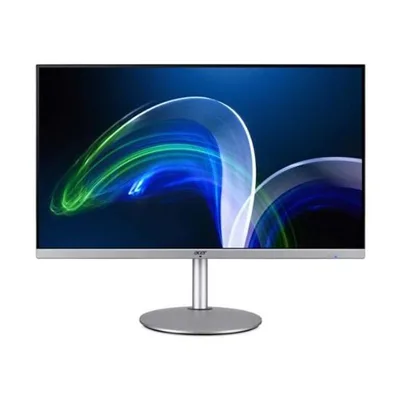
- Screen
- 32" VA
- Resolution
- 4K
- Refresh rate
- 60 Hz
- Brightness
- 300 nits
- Screen
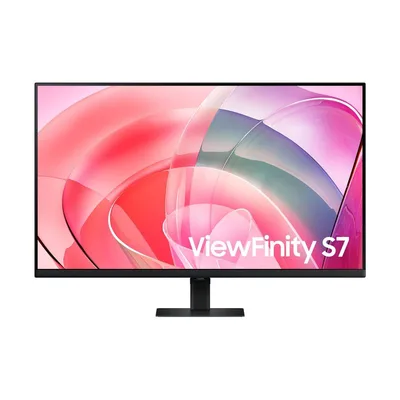
- 31.5" IPS
- Resolution
- 4K
- Refresh rate
- 60 Hz
- Brightness
- 350 nits
- Screen
- 31.5" IPS
- Resolution
- 4K
- Refresh rate
- 60 Hz
- Brightness
- 350 nits