








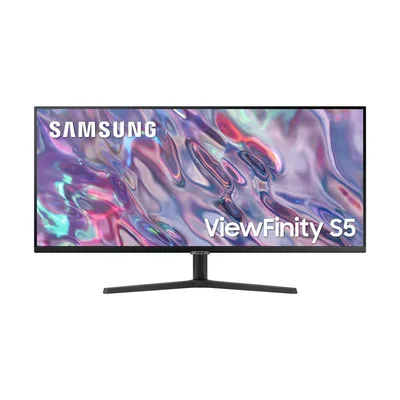
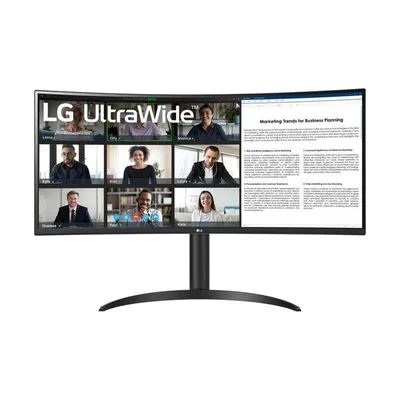
- Screen
- 34" VA curved
- Resolution
- 3440 x 1440 ultrawide
- Refresh rate
- 100 Hz
- Brightness
- 300 nits
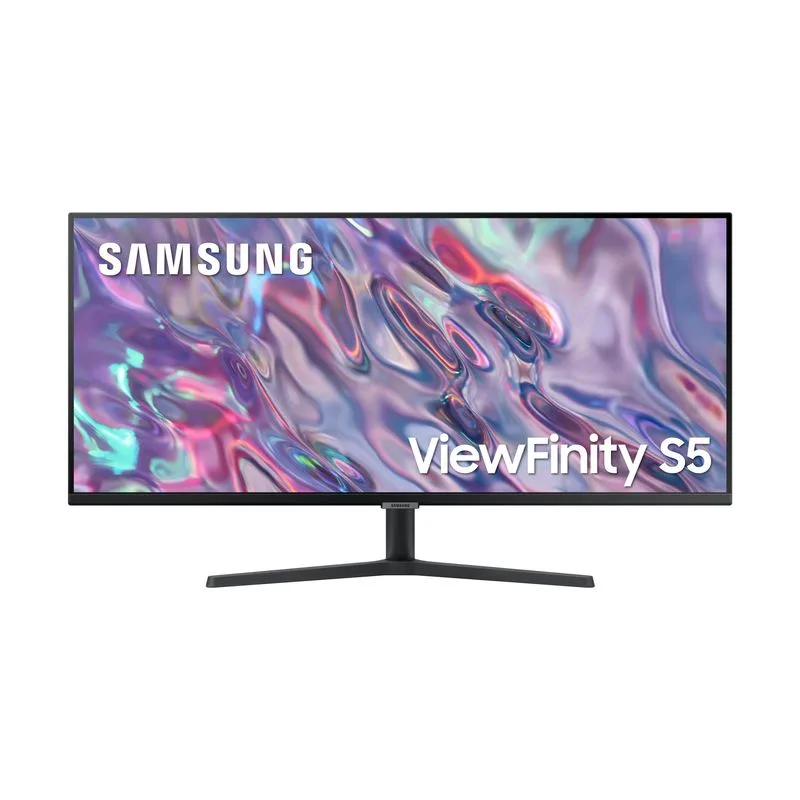
Image source: Samsung
Samsung ViewFinity S5 S50GC 34
Also sold as LS34C502GANXZA
- Screen
- 34" VA
- Resolution
- 3440 x 1440
- Refresh rate
- 100 Hz
- Response time
- 5 ms GtG
- Brightness
- 300 nits
- Adaptive sync
- FreeSync Premium Pro
- Ports
- 2x HDMI 2.0 · 1x DP 1.2
- Stand
- Tilt only
- Weight
- 4.2 kg (9.3 lb)
We earn a commission from qualifying Amazon purchases made through our links, at no extra cost to you. This never affects our specs. How we make money.
Find it in these categories
Samsung ViewFinity S5 S50GC 34 at a glance
-
Contrast
Deep contrast
Contrast beats 76% of the monitors we list, thanks to its VA panel, so night scenes look properly dark. The trade-off is slight smearing in fast, dark motion.
-
Format
Ultrawide view
The 21:9 shape gives you room for two windows side by side.
-
Smoothness
100Hz, not 60Hz
Scrolling and moving windows look noticeably smoother than on a basic 60Hz office screen, a small upgrade you notice every day.
-
Stand
Fixed height
You can't raise it, so most people end up stacking it on books or buying a monitor arm to get it to eye level.
Samsung ViewFinity S5 S50GC 34 full specifications
Overview
| Brand | Samsung |
|---|---|
| Model | ViewFinity S5 S50GC 34 |
| Type | Office monitor |
| Colors | Black |
Screen
This is a 34-inch 3440 x 1440 ultrawide VA screen: VA gives deeper blacks than IPS, at the cost of narrower viewing angles and slower dark transitions.
| Screen size | 34 in |
|---|---|
| Exact diagonal | 34 in |
| Resolution | 3440 x 1440 |
| Pixel density | 110 ppi |
| Aspect ratio | 21:9 |
| Panel type | VA |
| Panel name | VA |
| Curved | No |
| Touchscreen | No |
| Viewing angle | 178° |
Picture & color
At 3,000:1 its contrast beats 76% of the monitors we list, so dark scenes keep their depth.
| Brightness | 300 nits |
|---|---|
| Contrast ratio | 3,000:1 |
| HDR formats | HDR10 |
Gaming & motion
100Hz takes the edge off scrolling and window dragging compared with 60Hz, though it's no gaming screen. Adaptive sync through FreeSync stops tearing when the frame rate wobbles.
| Refresh rate | 100 Hz |
|---|---|
| Adaptive sync | FreeSync Premium Pro |
| Response time (GtG) | 5 ms |
| Gaming extras | Game mode |
Ports
It has two HDMI inputs and one DisplayPort input, enough to keep three devices plugged in.
| HDMI ports | 2 |
|---|---|
| HDMI version | 2.0 |
| DisplayPort inputs | 1 |
| DisplayPort version | 1.2 |
| USB-C video | No |
| Headphone jack | Yes |
| All ports | 1x DisplayPort 1.2, 2x HDMI 2.0, 1x Headphone out |
Stand & mounting
You can tilt it but not raise it, so plan on a riser or an arm if it sits too low. It takes a standard 100 x 100 VESA mount if you'd rather use an arm.
| Height adjustment | None |
|---|---|
| Tilt | -2° to 22° |
| VESA mount | 100 x 100 |
| Stand included | Yes |
Audio, camera & extras
No speakers are built in, though you can plug headphones into the monitor. The backlight is flicker-free, easier on the eyes over a long workday.
| Speakers | No |
|---|---|
| Flicker-free | Yes |
| Low blue light | Software mode |
| Picture-in-picture | Yes |
Size, weight & power
The power supply is an external brick, so leave room for it under the desk.
| Weight without stand | 4.2 kg (9.3 lb) |
|---|---|
| Dimensions with stand | 815.3 x 457.7 x 221.3 mm (32.1 x 18.02 x 8.71 in) |
| Dimensions without stand | 815.3 x 359.8 x 36.4 mm (32.1 x 14.17 x 1.43 in) |
| Power supply | External brick |
In the box
| In the box | Stand, DisplayPort cable, HDMI cable, Power adapter, Installation CD |
|---|
Specs compiled from Samsung's product pages and datasheets, with some identifiers from Open Icecat. Manufacturers revise hardware between versions, so check the version on the box. Spotted an error? Tell us.
Similar monitors
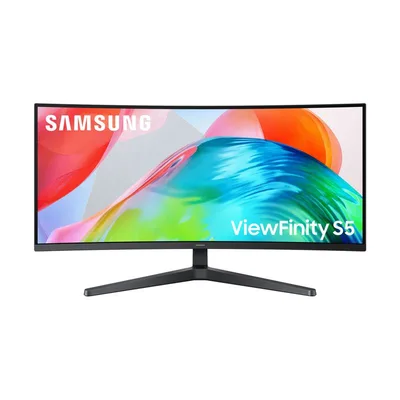
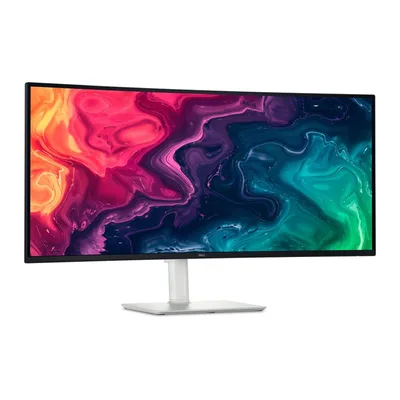
- Screen
- 34" VA curved
- Resolution
- 3440 x 1440 ultrawide
- Refresh rate
- 120 Hz
- Brightness
- 300 nits
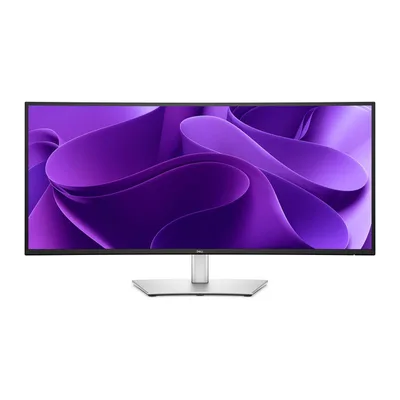
- Screen
- 34" VA curved
- Resolution
- 3440 x 1440 ultrawide
- Refresh rate
- 120 Hz
- Brightness
- 300 nits
- Screen
- 34.1" IPS curved
- Resolution
- 3440 x 1440 ultrawide
- Refresh rate
- 100 Hz
- Brightness
- 350 nits