








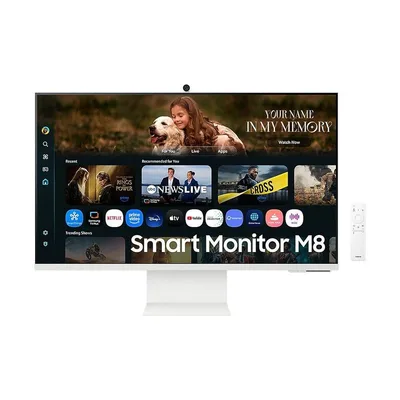
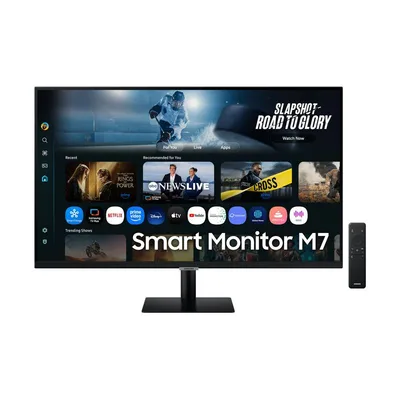
- Screen
- 31.5" VA
- Resolution
- 4K
- Refresh rate
- 60 Hz
- Brightness
- 300 nits
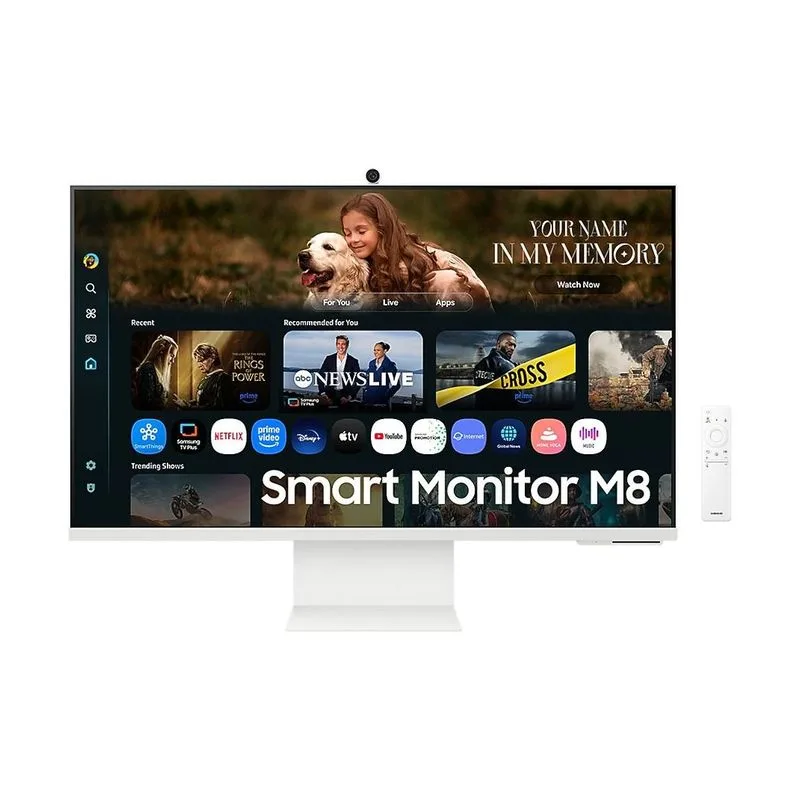
Image source: Samsung
Samsung Smart Monitor M8 M80F 32
Also sold as LS32FM803UNXZA;LS32FM801UUXXU
- Screen
- 32" VA
- Resolution
- 4K (3840 x 2160)
- Refresh rate
- 60 Hz
- Response time
- 4 ms GtG
- Brightness
- 400 nits
- Ports
- 1x HDMI 2.0 · USB-C 65W
- Stand
- Height 120 mm (4.72 in), pivot
- Weight
- 6.99 kg (15.4 lb)
We earn a commission from qualifying Amazon purchases made through our links, at no extra cost to you. This never affects our specs. How we make money.
Find it in these categories
Samsung Smart Monitor M8 M80F 32 at a glance
-
Contrast
Deep contrast
Contrast beats 76% of the monitors we list, thanks to its VA panel, so night scenes look properly dark. The trade-off is slight smearing in fast, dark motion.
-
Smart TV
Streams without a PC
It runs Tizen, so streaming apps work on their own and it can double as a small TV.
-
Ports
One cable for a laptop
A single USB-C cable brings the picture in and powers a laptop at 65W, enough for most thin-and-light laptops.
-
Video calls
Built-in webcam
It has its own camera, so calls look better than through a laptop lid camera without extra clutter on the desk.
Samsung Smart Monitor M8 M80F 32 full specifications
Overview
| Brand | Samsung |
|---|---|
| Model | Smart Monitor M8 M80F 32 |
| Type | Smart monitor |
| Colors | Warm white |
Screen
This is a 32-inch 4K VA screen: VA gives deeper blacks than IPS, at the cost of narrower viewing angles and slower dark transitions.
| Screen size | 32 in |
|---|---|
| Resolution | 3840 x 2160 |
| Pixel density | 138 ppi |
| Aspect ratio | 16:9 |
| Panel type | VA |
| Panel name | VA |
| Curved | No |
| Touchscreen | No |
| Viewing angle | 178° |
Picture & color
At 3,000:1 its contrast beats 76% of the monitors we list, so dark scenes keep their depth. It's brighter than 85% of the monitors we list, so glare from a window is less of a problem. It's calibrated at the factory, so colors are close to right without tuning.
| Brightness | 400 nits |
|---|---|
| Contrast ratio | 3,000:1 |
| HDR formats | HDR10, HDR10+ |
| sRGB coverage | 99 % |
| Factory calibrated | Yes |
Gaming & motion
60Hz is the basic office speed, fine for documents and video but not for fast games.
| Refresh rate | 60 Hz |
|---|---|
| Overclocked refresh | No |
| Response time (GtG) | 4 ms |
| Gaming extras | Virtual AIM Point, Game Bar 2.0, Gaming Hub, Super Ultrawide GameView |
Ports
Video inputs include one HDMI input and USB-C. One USB-C cable carries the picture and 65W of charging, so your laptop needs no separate charger. Its USB ports keep a keyboard, mouse or webcam plugged into the screen instead of the computer.
| HDMI ports | 1 |
|---|---|
| HDMI version | 2.0 |
| USB-C video | Yes |
| USB-C laptop charging | 65 W |
| USB-A ports | 2 |
| USB hub speed | 480 Mbps |
| All ports | 1x HDMI, HDMI 2.0, 1x USB-C, USB-C 65W charging, 2x USB, USB 2.0 hub |
Stand & mounting
It raises, tilts and turns to portrait, enough to get the top of the screen to eye level. It takes a standard 100 x 100 VESA mount if you'd rather use an arm.
| Height adjustment | 120 mm (4.72 in) |
|---|---|
| Tilt | -2° to 15° |
| Portrait mode (pivot) | Yes |
| Pivot range | -92° to 92° |
| VESA mount | 100 x 100 |
| Stand included | Yes |
Audio, camera & extras
Its 10W speakers are fine for calls and videos, though headphones or proper speakers still sound far better. A built-in webcam saves desk space for video calls. Tizen brings streaming apps without a PC.
| Speakers | Yes |
|---|---|
| Speaker power | 10 W |
| Webcam | Yes |
| Smart TV system | Tizen |
| Wi-Fi | Yes |
| Bluetooth | Yes |
| Remote control | Yes |
| Smart features | Alexa, Bixby, SmartThings, TV Plus, Universal Guide, Gaming Hub, Workspace |
| Flicker-free | Yes |
| Low blue light | Software mode |
Size, weight & power
The power supply is an external brick, so leave room for it under the desk.
| Weight with stand | 6.99 kg (15.4 lb) |
|---|---|
| Weight without stand | 3.99 kg (8.8 lb) |
| Dimensions with stand | 713.7 x 617.2 x 200.7 mm (28.1 x 24.3 x 7.9 in) |
| Dimensions without stand | 713.7 x 424.2 x 25.4 mm (28.1 x 16.7 x 1 in) |
| Power use (max) | 140 W |
| Standby power | 0.5 W |
| Power supply | External brick |
In the box
| In the box | Power, HDMI, USB Type-C cables, Remote control, Stand, Pogo gender adapter, Camera |
|---|
Specs compiled from Samsung's product pages and datasheets, with some identifiers from Open Icecat. Manufacturers revise hardware between versions, so check the version on the box. Spotted an error? Tell us.
Similar monitors
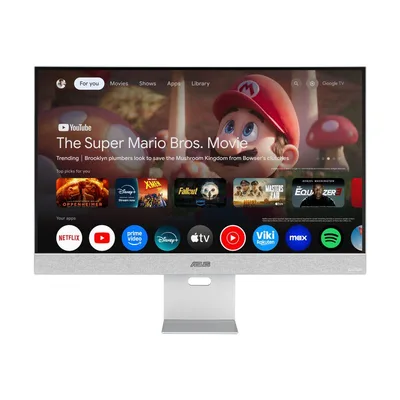
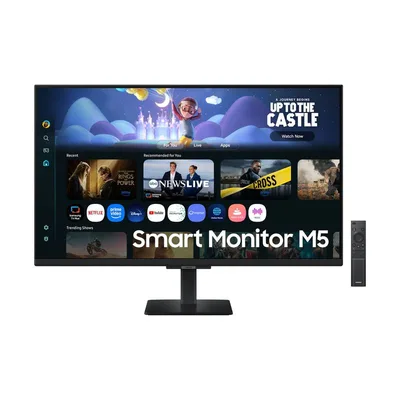
- Screen
- 31.5" IPS
- Resolution
- 4K
- Refresh rate
- 60 Hz
- Brightness
- 350 nits
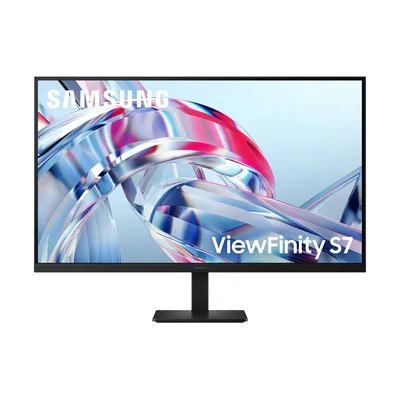
- Screen
- 32" VA
- Resolution
- 1080p
- Refresh rate
- 60 Hz
- Brightness
- 250 nits
- Screen
- 32" VA
- Resolution
- 4K
- Refresh rate
- 60 Hz
- Brightness
- 300 nits