








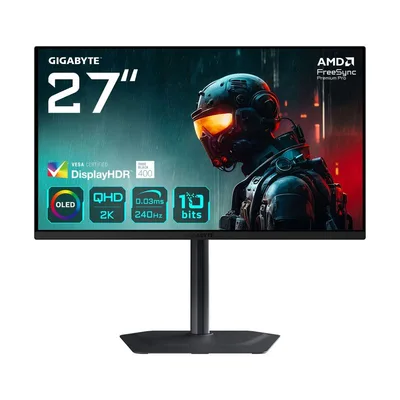
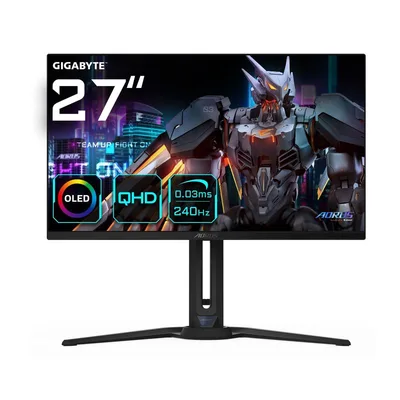
- Screen
- 27" OLED
- Resolution
- 1440p
- Refresh rate
- 240 Hz
- Brightness
- 250 nits
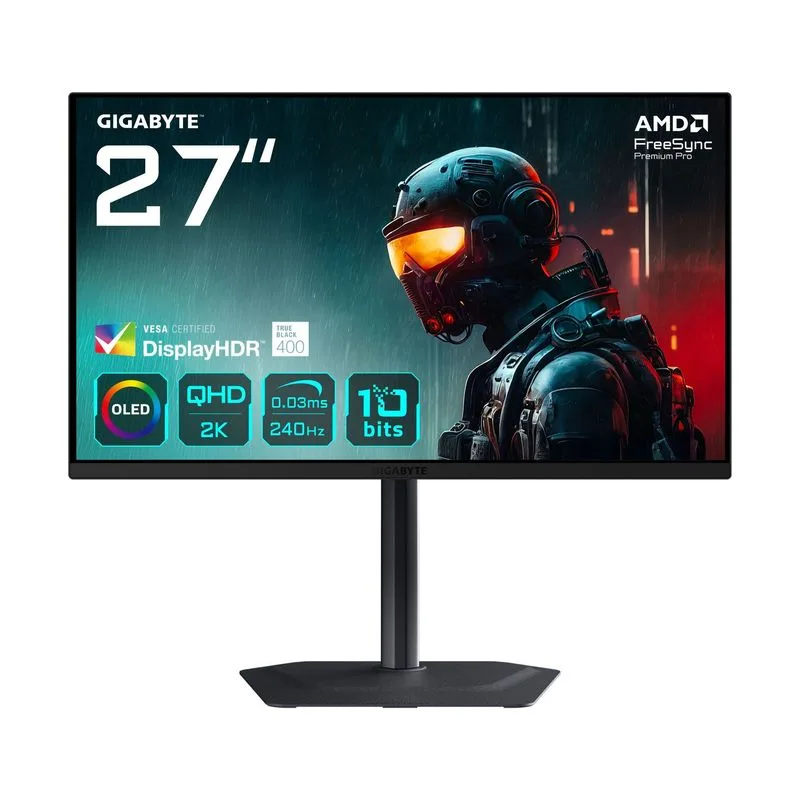
Image source: GIGABYTE
Gigabyte MO27Q2
- Screen
- 27" OLED
- Resolution
- 1440p (2560 x 1440)
- Refresh rate
- 240 Hz
- Response time
- 0.03 ms GtG
- Brightness
- 250 nits
- HDR
- DisplayHDR True Black 400
- Adaptive sync
- FreeSync Premium Pro
- Ports
- 2x HDMI 2.1 · 1x DP 1.4
- Stand
- Height 130 mm (5.12 in), pivot
- Weight
- 6.7 kg (14.8 lb)
We earn a commission from qualifying Amazon purchases made through our links, at no extra cost to you. This never affects our specs. How we make money.
Find it in these categories
Gigabyte MO27Q2 at a glance
-
Picture
True blacks
OLED pixels make their own light and switch off completely, so night scenes and dark games show real black and rich contrast.
-
Motion
240Hz for fast games
240Hz is the speed competitive players look for, so fast shooters feel noticeably sharper than on a 144Hz screen.
-
Sharpness
1440p sweet spot
1440p looks noticeably sharper than 1080p at 27 inches, while a mid-range graphics card can still reach high frame rates.
-
Best for
Built for play
A 27-inch 1440p gaming screen at 240Hz with adaptive sync to stop tearing.
Gigabyte MO27Q2 full specifications
Overview
| Brand | Gigabyte |
|---|---|
| Model | MO27Q2 |
| Type | Gaming monitor |
| Colors | Black |
| Warranty | 3 years |
Screen
A 27-inch 1440p OLED screen. OLED pixels light themselves, so blacks are perfect and motion is instant.
| Screen size | 27 in |
|---|---|
| Resolution | 2560 x 1440 |
| Pixel density | 109 ppi |
| Aspect ratio | 16:9 |
| Panel type | OLED |
| Panel name | OLED |
| Backlight | Self-lit pixels (OLED) |
| Curved | No |
| Screen finish | Matte (anti-glare) |
| Touchscreen | No |
Picture & color
Because each pixel switches off completely, dark scenes show real black with no backlight glow. Color covers 99% of DCI-P3, a wide range that suits photo and video work.
| Brightness | 250 nits |
|---|---|
| Contrast ratio | 1,500:1 |
| DisplayHDR certificate | DisplayHDR True Black 400 |
| Color depth | 10-bit |
| DCI-P3 coverage | 99 % |
| Hardware calibration | Yes |
Gaming & motion
240Hz is very smooth, the speed competitive players look for. FreeSync keeps games tear-free on AMD cards and works with most NVIDIA cards too. Pixel response is near-instant, so moving objects stay sharp.
| Refresh rate | 240 Hz |
|---|---|
| Overclocked refresh | No |
| Adaptive sync | FreeSync Premium Pro, VESA AdaptiveSync |
| Response time (GtG) | 0.03 ms |
| Gaming extras | Black Equalizer, Crosshair |
Ports
With two HDMI inputs and one DisplayPort input it can stay connected to three devices at once. HDMI 2.1 gives current consoles their full speed. Its USB ports keep a keyboard, mouse or webcam plugged into the screen instead of the computer.
| HDMI ports | 2 |
|---|---|
| HDMI version | 2.1 |
| DisplayPort inputs | 1 |
| DisplayPort version | 1.4 |
| USB-C laptop charging | 18 W |
| USB-A ports | 2 |
| USB upstream | USB-C |
| Headphone jack | Yes |
Stand & mounting
It raises, tilts and turns to portrait, enough to get the top of the screen to eye level. A 100 x 100 VESA mount lets you swap the stand for a monitor arm.
| Height adjustment | 130 mm (5.12 in) |
|---|---|
| Tilt | -5° to 21° |
| Swivel | 0° to 15° |
| Portrait mode (pivot) | Yes |
| Pivot range | 0° to 90° |
| VESA mount | 100 x 100 |
| Stand included | Yes |
Audio, camera & extras
There are basic speakers for calls and notifications, but not for music.
| Speakers | Yes |
|---|---|
| Flicker-free | Yes |
Size, weight & power
It draws more power than 94% of the 27-inch monitors we list, so it runs warmer and costs a little more to leave on.
| Weight with stand | 6.7 kg (14.8 lb) |
|---|---|
| Weight without stand | 5.1 kg (11.2 lb) |
| Power use (typical) | 41 W |
| Standby power | 0.5 W |
| Power supply | Built in |
In the box
| In the box | DisplayPort, HDMI, USB cables, Quick start guide |
|---|
Specs compiled from Gigabyte's product pages and datasheets, with some identifiers from Open Icecat. Manufacturers revise hardware between versions, so check the version on the box. Spotted an error? Tell us.
Similar monitors
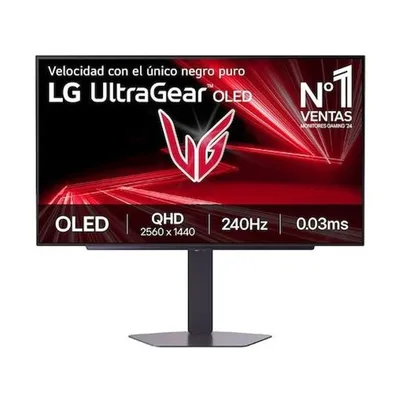
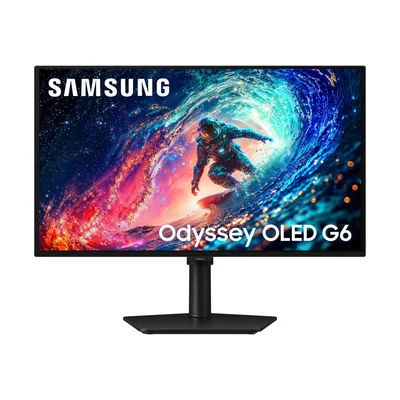
- Screen
- 27" OLED
- Resolution
- 1440p
- Refresh rate
- 240 Hz
- Brightness
- 275 nits
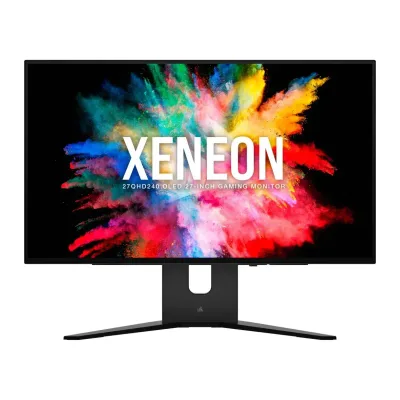
- Screen
- 27" OLED
- Resolution
- 1440p
- Refresh rate
- 240 Hz
- Brightness
- 200 nits
- Screen
- 27" OLED
- Resolution
- 1440p
- Refresh rate
- 240 Hz
- Brightness
- —