








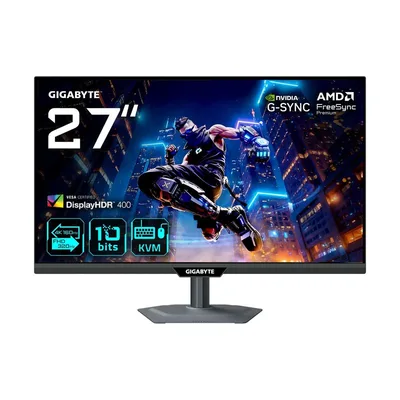
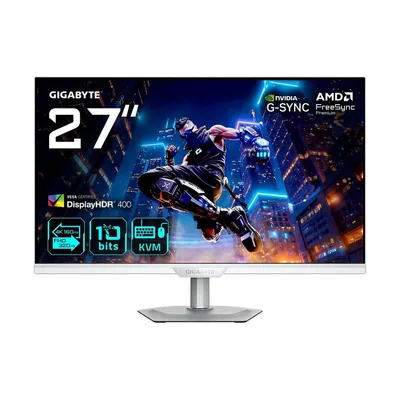
- Screen
- 27" IPS
- Resolution
- 4K
- Refresh rate
- 160 Hz
- Brightness
- 350 nits
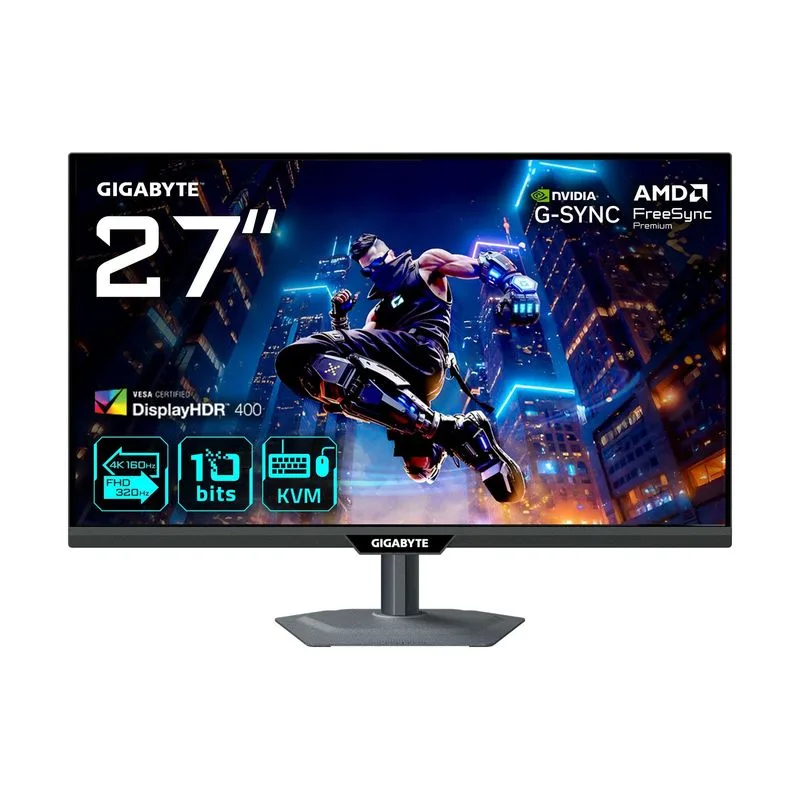
Image source: GIGABYTE
Gigabyte M27UP
- Screen
- 27" IPS
- Resolution
- 4K (3840 x 2160)
- Refresh rate
- 160 Hz
- Response time
- 1 ms GtG
- Brightness
- 350 nits
- HDR
- DisplayHDR 400
- Adaptive sync
- G-SYNC Compatible, FreeSync Premium
- Ports
- 2x HDMI 2.1 · 1x DP 1.4 · USB-C 18W
- Stand
- Height 130 mm (5.12 in), swivel, pivot
- Weight
- 6.65 kg (14.7 lb)
We earn a commission from qualifying Amazon purchases made through our links, at no extra cost to you. This never affects our specs. How we make money.
Find it in these categories
Gigabyte M27UP at a glance
-
Motion
160Hz for smooth play
160Hz is a clear step up from a 60Hz screen for games, and it's the level most players never feel the need to go past.
-
Consoles
4K 120Hz for consoles
HDMI 2.1 lets a PS5 or Xbox Series X run at 4K and 120 frames per second, the most current consoles can send.
-
Stand
Fully adjustable stand
The stand raises, tilts, swivels and rotates to portrait, which makes a comfortable, eye-level setup easy.
-
HDR
HDR in name only
DisplayHDR 400 is the entry-level badge: it accepts HDR signals but can't get bright enough or dark enough for HDR to look much different from normal.
Gigabyte M27UP full specifications
Overview
| Brand | Gigabyte |
|---|---|
| Model | M27UP |
| Type | Gaming monitor |
| Colors | Black |
| Warranty | 3 years |
Screen
This is a 27-inch 4K IPS screen: IPS is the dependable all-rounder, with true-to-life color and wide viewing angles. It's sharper than 82% of the 27-inch monitors we list, so you can fit more on screen without squinting.
| Screen size | 27 in |
|---|---|
| Exact diagonal | 27 in |
| Resolution | 3840 x 2160 |
| Pixel density | 163 ppi |
| Aspect ratio | 16:9 |
| Panel type | IPS |
| Panel name | SS-IPS |
| Backlight | Edge-lit LED |
| Curved | No |
| Screen finish | Matte (anti-glare) |
| Touchscreen | No |
| Viewing angle | 178° |
Picture & color
Its DisplayHDR 400 badge means HDR works, but it looks only a little different from normal. Color covers 95% of DCI-P3, a wide range that suits photo and video work.
| Brightness | 350 nits |
|---|---|
| Contrast ratio | 1,000:1 |
| DisplayHDR certificate | DisplayHDR 400 |
| DCI-P3 coverage | 95 % |
Gaming & motion
At 160Hz, games feel fluid and responsive, the level most players never need to go beyond. With both G-SYNC Compatible and FreeSync it runs tear-free on NVIDIA and AMD graphics cards alike.
| Refresh rate | 160 Hz |
|---|---|
| Adaptive sync | G-SYNC Compatible, FreeSync Premium |
| Response time (GtG) | 1 ms |
| Gaming extras | Black Equalizer, Crosshair |
Ports
Two HDMI inputs, one DisplayPort input and USB-C leave room for four devices without swapping cables. USB-C power is only 18W, enough for a phone but not to keep a laptop charged. HDMI 2.1 gives current consoles their full speed.
| HDMI ports | 2 |
|---|---|
| HDMI version | 2.1 |
| DisplayPort inputs | 1 |
| DisplayPort version | 1.4 |
| USB-C video | Yes |
| USB-C laptop charging | 18 W |
| USB-A ports | 3 |
| USB hub speed | 5 Gbps |
| USB upstream | USB-C |
| Headphone jack | Yes |
| All ports | 2x HDMI 2.1, 1x DisplayPort 1.4, 1x USB-C (DP Alt Mode, 18W PD), 3x USB-A downstream, 1x USB upstream, 1x headphone out |
Stand & mounting
It raises, tilts, swivels and turns to portrait, so you can set it at eye level without a monitor arm, and portrait mode suits code and long documents.
| Height adjustment | 130 mm (5.12 in) |
|---|---|
| Tilt | -5° to 20° |
| Swivel | -15° to 15° |
| Portrait mode (pivot) | Yes |
| Pivot range | 0° to 90° |
| VESA mount | 100 x 100 |
| Stand included | Yes |
Audio, camera & extras
The 10W speakers handle calls and YouTube, but music and films deserve real speakers.
| Speakers | Yes |
|---|---|
| Speaker power | 10 W |
| Flicker-free | Yes |
Size, weight & power
| Weight with stand | 6.65 kg (14.7 lb) |
|---|---|
| Weight without stand | 5.15 kg (11.4 lb) |
| Power use (typical) | 27.6 W |
| Standby power | 0.5 W |
| Power supply | Built in |
In the box
| In the box | DisplayPort cable, HDMI cable, Power cable, USB cable, Stand |
|---|
Specs compiled from Gigabyte's product pages and datasheets, with some identifiers from Open Icecat. Manufacturers revise hardware between versions, so check the version on the box. Spotted an error? Tell us.
Similar monitors
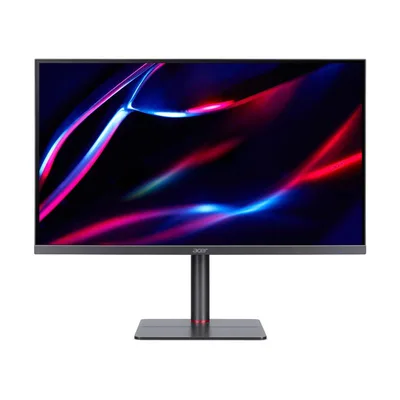
- Screen
- 27" IPS
- Resolution
- 4K
- Refresh rate
- 160 Hz
- Brightness
- 250 nits
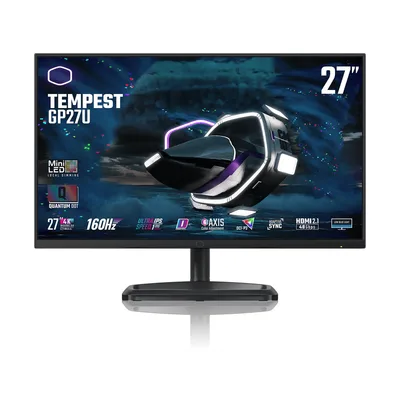
- Screen
- 27" IPS
- Resolution
- 4K
- Refresh rate
- 160 Hz
- Brightness
- 600 nits
- Screen
- 27" IPS
- Resolution
- 4K
- Refresh rate
- 160 Hz
- Brightness
- 600 nits