








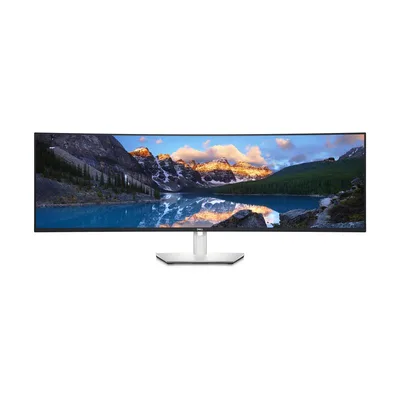
- Screen
- 51.5" IPS curved
- Resolution
- 6144 x 2560
- Refresh rate
- 120 Hz
- Brightness
- 400 nits
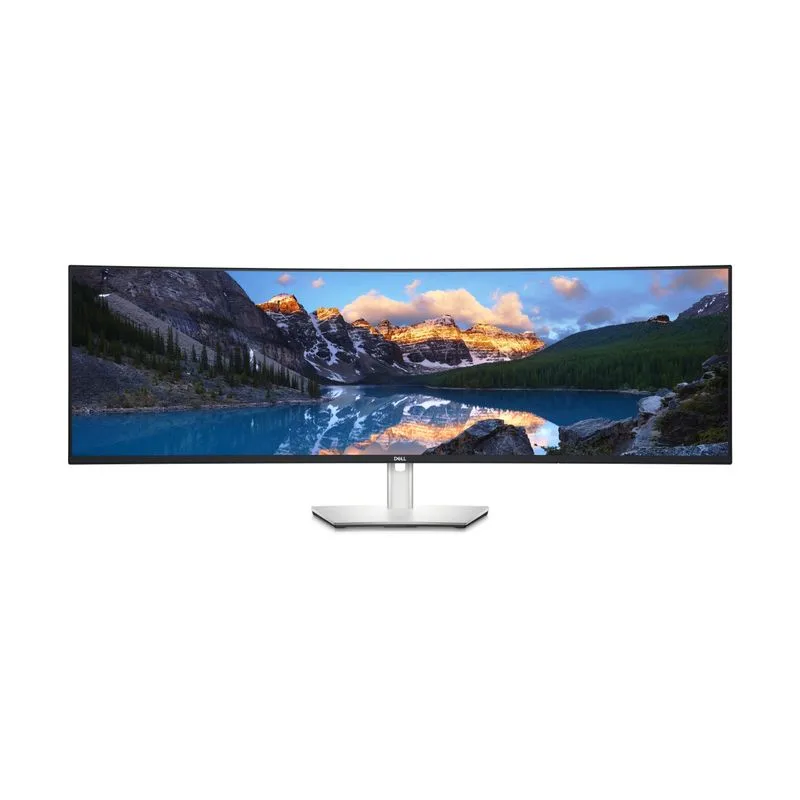
Image source: DELL
Dell U4924DW
- Screen
- 49" IPS curved
- Resolution
- 5120 x 1440
- Refresh rate
- 60 Hz
- Response time
- 5 ms GtG
- Brightness
- 350 nits
- Ports
- 2x HDMI 2.1 · 1x DP 1.4 · USB-C 90W
- Stand
- Height 119.9 mm (4.72 in)
- Weight
- 16.3 kg (35.9 lb)
We earn a commission from qualifying Amazon purchases made through our links, at no extra cost to you. This never affects our specs. How we make money.
Find it in these categories
Dell U4924DW at a glance
-
Color
Wide, accurate color
It covers 98% of DCI-P3, the wide color range used for video and HDR.
-
Ports
One cable for a laptop
Plug a laptop in over USB-C and it gets the picture through and charges at 90W, enough for most work laptops under load, and Ethernet and a KVM switch turn it into a simple desk dock.
-
Format
Two screens in one
At 32:9 it is as wide as two 16:9 monitors side by side with no bezel in the middle, great for spreadsheets and timelines.
-
Best for
Made for color work
A 49-inch 5120 x 1440 super-ultrawide screen aimed at photo and video work, covering 98% of DCI-P3.
Dell U4924DW full specifications
Overview
| Brand | Dell |
|---|---|
| Model | U4924DW |
| Series | UltraSharp |
| Type | Creator monitor |
| Colors | Silver |
| Warranty | 3 years |
Screen
It has a 49-inch 5120 x 1440 super-ultrawide IPS curved screen, and IPS is the dependable all-rounder, with true-to-life color and wide viewing angles.
| Screen size | 49 in |
|---|---|
| Exact diagonal | 49 in |
| Resolution | 5120 x 1440 |
| Pixel density | 109 ppi |
| Aspect ratio | 32:9 |
| Panel type | IPS |
| Panel name | In-plane Switching (IPS) Black Technology |
| Backlight | Edge-lit LED |
| Curved | Yes |
| Curvature | 3800R |
| Screen finish | Matte (anti-glare) |
| Touchscreen | No |
| Viewing angle | 178° |
Picture & color
At 2,000:1 its contrast beats 73% of the monitors we list, so dark scenes keep their depth. Color covers 98% of DCI-P3, a wide range that suits photo and video work.
| Brightness | 350 nits |
|---|---|
| Contrast ratio | 2,000:1 |
| Color depth | 10-bit |
| sRGB coverage | 100 % |
| DCI-P3 coverage | 98 % |
Gaming & motion
60Hz is the basic office speed, fine for documents and video but not for fast games.
| Refresh rate | 60 Hz |
|---|---|
| Response time (GtG) | 5 ms |
Ports
It has two HDMI inputs, one DisplayPort input and USB-C, enough to keep four devices plugged in. One USB-C cable carries the picture and 90W of charging, so your laptop needs no separate charger. A KVM switch and Ethernet turn it into a simple dock for a shared desk.
| HDMI ports | 2 |
|---|---|
| HDMI version | 2.1 |
| DisplayPort inputs | 1 |
| DisplayPort version | 1.4 |
| USB-C video | Yes |
| USB-C laptop charging | 90 W |
| USB-A ports | 5 |
| USB hub speed | 10 Gbps |
| USB upstream | USB-C |
| KVM switch | Yes |
| Ethernet | Yes |
| Headphone jack | Yes |
| All ports | 1 x USB Type-C upstream port (video and data) (Alternate mode with DisplayPort 1.4, Power Delivery PD up to 90 W), 1 x USB-C upstream port (data only, 10 Gbps USB 3.2 Gen2), 4 x SuperSpeed USB 10 Gbps (USB 3.2 Gen2) TypeA downstream port, 2 x SuperSpeed USB 10 Gbps (USB 3.2 Gen2) TypeC downstream port with charging capability at 15 W (maximum), 1 x SuperSpeed USB 10 Gbps (USB 3.2 Gen2) TypeA with BC1.2 charging capability at 2 A (maximum), 1 x RJ45 2.5G port |
Stand & mounting
It raises, tilts and swivels, enough to get the top of the screen to eye level, though it won't turn to portrait. It takes a standard 100 x 100 VESA mount if you'd rather use an arm.
| Height adjustment | 119.9 mm (4.72 in) |
|---|---|
| Tilt | -5° to 21° |
| Swivel | -170° to 170° |
| Portrait mode (pivot) | No |
| VESA mount | 100 x 100, 200 x 100 |
| Stand included | Yes |
Audio, camera & extras
Its 18W speakers are fine for calls and videos, though headphones or proper speakers still sound far better.
| Speakers | Yes |
|---|---|
| Speaker power | 18 W |
| Wi-Fi | No |
| Flicker-free | Yes |
| Certifications | ENERGY STAR, TCO Certified, TCO Certified 9.0, TCO Certified Edge |
| Picture-in-picture | Yes |
Size, weight & power
At 16.3 kg (35.9 lb) it's a heavy screen, so check your desk or arm can take it. It draws more power than 95% of the monitors we list, so it runs warmer and costs a little more to leave on.
| Weight with stand | 16.3 kg (35.9 lb) |
|---|---|
| Weight without stand | 12.15 kg (26.8 lb) |
| Dimensions with stand | 1214.9 x 400.6 x 269.2 mm (47.83 x 15.77 x 10.6 in) |
| Dimensions without stand | 1214.1 x 365.8 x 111.8 mm (47.8 x 14.4 x 4.4 in) |
| Power use (typical) | 45 W |
| Power use (max) | 290 W |
| Standby power | 0.3 W |
| Power supply | Built in |
In the box
| In the box | UltraSharp 49 curved USB-C hub monitor - U4924DW, Stand riser, Stand base, USB-C to USB-C cable - 3.3 ft, DisplayPort cable - 6 ft, USB-C to USB-A cable - 3.3 ft, HDMI cable - 6 ft, Quick setup guide, Safety, environmental and regulatory information |
|---|
Specs compiled from Dell's product pages and datasheets, with some identifiers from Open Icecat. Manufacturers revise hardware between versions, so check the version on the box. Spotted an error? Tell us.
Similar monitors
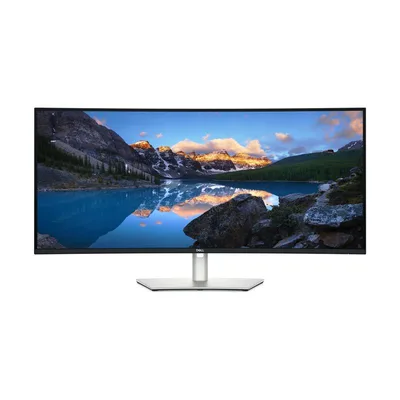
- Screen
- 37.5" IPS curved
- Resolution
- 3840 x 1600 ultrawide
- Refresh rate
- 60 Hz
- Brightness
- 300 nits
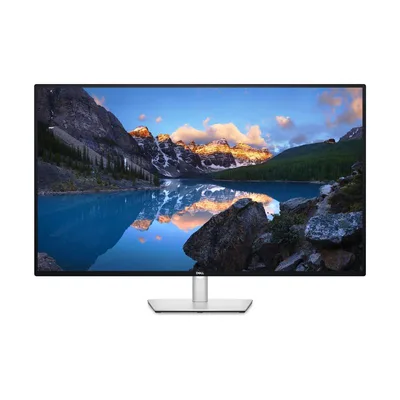
- Screen
- 39.7" IPS curved
- Resolution
- 5K2K ultrawide
- Refresh rate
- 120 Hz
- Brightness
- 450 nits
- Screen
- 42.5" IPS
- Resolution
- 4K
- Refresh rate
- 60 Hz
- Brightness
- 350 nits