








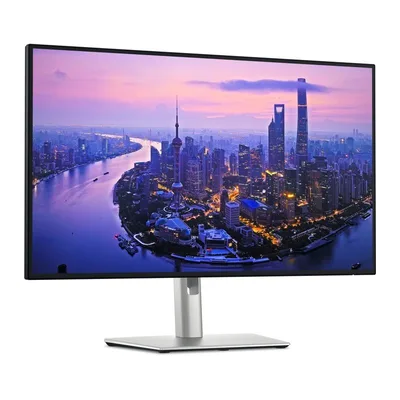
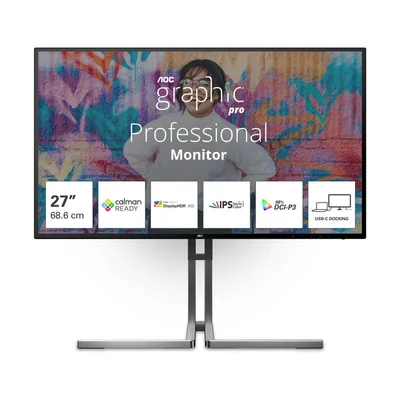
- Screen
- 27" IPS
- Resolution
- 4K
- Refresh rate
- 60 Hz
- Brightness
- 400 nits
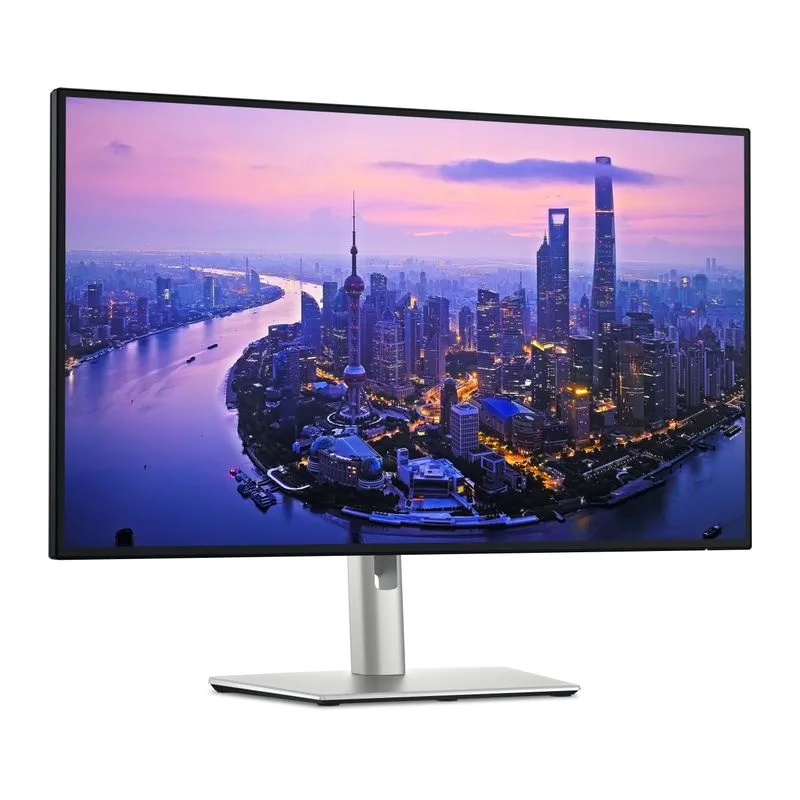
Image source: DELL
Dell U2725QE
- Screen
- 27" IPS
- Resolution
- 4K (3840 x 2160)
- Refresh rate
- 120 Hz
- Response time
- 5 ms GtG
- Brightness
- 450 nits
- HDR
- DisplayHDR 600
- Adaptive sync
- Adaptive sync
- Ports
- 1x HDMI 2.1 · 1x DP 1.4 · Thunderbolt 4
- Stand
- Height 150 mm (5.91 in), swivel, pivot
- Weight
- 7.06 kg (15.6 lb)
We earn a commission from qualifying Amazon purchases made through our links, at no extra cost to you. This never affects our specs. How we make money.
Find it in these categories
Dell U2725QE at a glance
-
Color
Wide, accurate color
It covers 99% of DCI-P3, the wide color range used for video and HDR, and it's calibrated at the factory, so colors are accurate out of the box.
-
Ports
Thunderbolt 4 hub
One Thunderbolt 4 cable carries the picture, data and up to 140W of laptop charging, so it works as a docking station for a MacBook or a Windows laptop.
-
Brightness
Very bright
It's brighter than 96% of the monitors we list, so it stays easy to read in a sunny room.
-
HDR
DisplayHDR 600 certified
It has the brightness to show HDR highlights properly, so HDR games and films look punchier than on a typical SDR monitor.
Dell U2725QE full specifications
Overview
| Brand | Dell |
|---|---|
| Model | U2725QE |
| Series | UltraSharp |
| Type | Creator monitor |
| Colors | Silver |
| Warranty | 3 years |
Screen
A 27-inch 4K IPS screen. IPS gives accurate color and wide viewing angles, the safe all-round choice. It's sharper than 82% of the 27-inch monitors we list, so you can fit more on screen without squinting.
| Screen size | 27 in |
|---|---|
| Resolution | 3840 x 2160 |
| Pixel density | 163 ppi |
| Aspect ratio | 16:9 |
| Panel type | IPS |
| Panel name | IPS Black |
| Backlight | Edge-lit LED |
| Curved | No |
| Screen finish | Matte (anti-glare) |
| Touchscreen | No |
| Viewing angle | 178° |
Picture & color
At 3,000:1 its contrast beats 76% of the monitors we list, so dark scenes keep their depth. It's brighter than 96% of the monitors we list, so bright rooms are less of a problem. HDR has real punch here, with highlights that stand out from the rest of the picture.
| Brightness | 450 nits |
|---|---|
| HDR peak brightness | 600 nits |
| Contrast ratio | 3,000:1 |
| DisplayHDR certificate | DisplayHDR 600 |
| sRGB coverage | 100 % |
| DCI-P3 coverage | 99 % |
| Factory calibrated | Yes |
Gaming & motion
120Hz makes scrolling and moving windows smoother than on a 60Hz screen, though it isn't meant for fast games.
| Refresh rate | 120 Hz |
|---|---|
| Adaptive sync | HDMI VRR |
| Response time (GtG) | 5 ms |
Ports
With one HDMI input, one DisplayPort input and Thunderbolt 4 it can stay connected to three devices at once. One USB-C cable carries the picture and 140W of charging, so your laptop needs no separate charger. A KVM switch and Ethernet turn it into a simple dock for a shared desk.
| HDMI ports | 1 |
|---|---|
| HDMI version | 2.1 |
| DisplayPort inputs | 1 |
| DisplayPort version | 1.4 |
| USB-C video | Yes |
| USB-C laptop charging | 140 W |
| Thunderbolt | Thunderbolt 4 |
| USB-A ports | 5 |
| USB hub speed | 10 Gbps |
| USB upstream | USB-C |
| KVM switch | Yes |
| Ethernet | Yes |
| Daisy chain (DP out) | Yes |
| Headphone jack | Yes |
| All ports | 1 DisplayPort 1.4 port with DSC support (DRR for Microsoft Windows), 1 DisplayPort 1.4 port out, 1 HDMI port (Supports up to UHD 3840 x 2160 120Hz FRL, VRR as per specified in HDMI2.1), 1 Thunderbolt 4 upstream port (DP1.4 (HDCP 2.2) with DSC support, PD: Up to 140W EPR , 2/4 Lanes switching), 1 Thunderbolt 4 downstream port (Downstream, Daisy Chain, 15 W), 1 USB-C (USB 10Gbps KVM) upstream port, 4 USB Type-A ports 10Gbps, 1 USB Type-A 10Gbps port with BC 1.2, 2 USB-C 10Gbps downstream ports, 1 RJ45 Ethernet port, 2.5GbE, 1 Analog 2.0 audio line out port (3.5 mm jack) |
Stand & mounting
It raises, tilts, swivels and turns to portrait, so you can set it at eye level without a monitor arm, and portrait mode suits code and long documents.
| Height adjustment | 150 mm (5.91 in) |
|---|---|
| Tilt | -5° to 21° |
| Swivel | -45° to 45° |
| Portrait mode (pivot) | Yes |
| Pivot range | -90° to 90° |
| VESA mount | 100 x 100 |
| Stand included | Yes |
Audio, camera & extras
It has no speakers, but a headphone jack passes sound through.
| Speakers | No |
|---|---|
| Flicker-free | Yes |
| Certifications | ENERGY STAR 8.0, TCO Certified Edge |
| Picture-in-picture | Yes |
| Ambient light sensor | Yes |
Size, weight & power
| Weight with stand | 7.06 kg (15.6 lb) |
|---|---|
| Weight without stand | 5.22 kg (11.5 lb) |
| Dimensions with stand | 612.4 x 385.6 x 189.0 mm (24.11 x 15.18 x 7.44 in) |
| Dimensions without stand | 612.4 x 353.5 x 55.6 mm (24.11 x 13.92 x 2.19 in) |
| Power use (typical) | 25.4 W |
| Power use (max) | 325 W |
| Standby power | 0.5 W |
| Power supply | Built in |
In the box
| In the box | UltraSharp 27 4K Thunderbolt hub monitor - U2725QE, Stand, Power cable, 1 x displayport-displayport cable - 1.80 m (5.91 ft), 1 x USB Type-A to Type-C upstream cable 1.00 m (3.28 ft), 1 x Thunderbolt 4 passive cable - 1.00 m (3.28 ft), Drivers and documentation media, QR card, Safety information |
|---|
Specs compiled from Dell's product pages and datasheets, with some identifiers from Open Icecat. Manufacturers revise hardware between versions, so check the version on the box. Spotted an error? Tell us.
Similar monitors
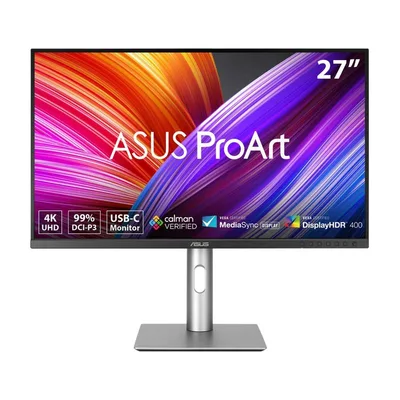
- Screen
- 27" IPS
- Resolution
- 4K
- Refresh rate
- 60 Hz
- Brightness
- 350 nits
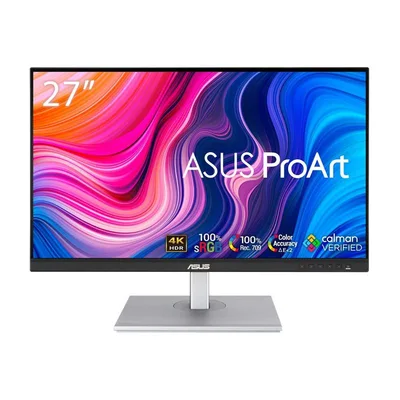
- Screen
- 26.97" IPS
- Resolution
- 4K
- Refresh rate
- 60 Hz
- Brightness
- 350 nits

- Screen
- 27" IPS
- Resolution
- 4K
- Refresh rate
- 60 Hz
- Brightness
- 300 nits