








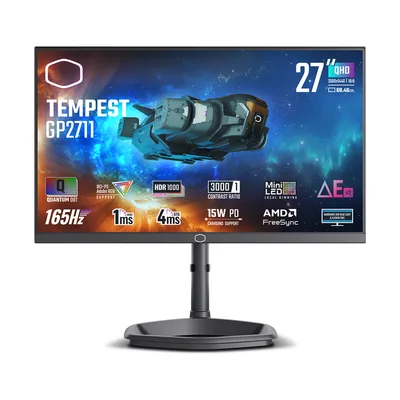
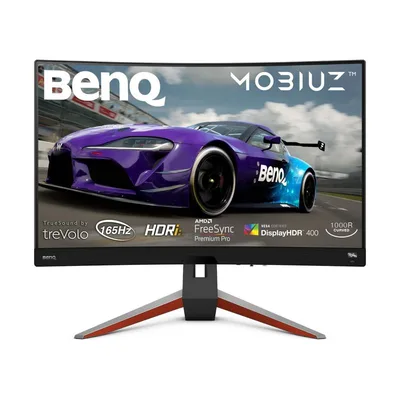
- Screen
- 27" VA curved
- Resolution
- 1440p
- Refresh rate
- 165 Hz
- Brightness
- 300 nits
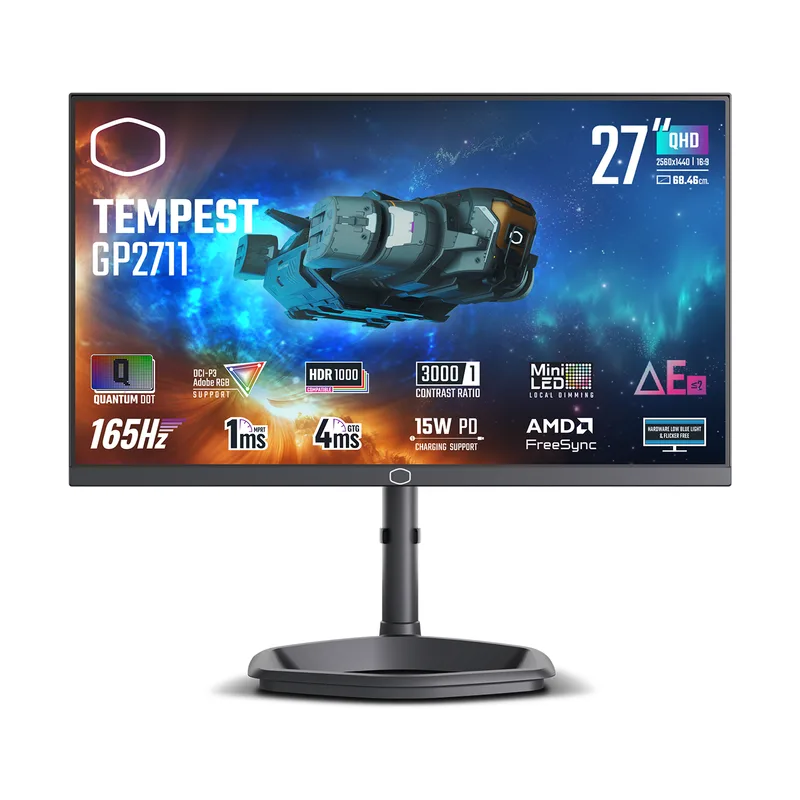
Image source: Cooler Master
Cooler Master Tempest GP2711
- Screen
- 27" VA
- Resolution
- 1440p (2560 x 1440)
- Refresh rate
- 165 Hz
- Response time
- 4 ms GtG
- Brightness
- 600 nits
- Adaptive sync
- FreeSync
- Ports
- 2x HDMI 2.0 · 1x DP 1.4 · USB-C 15W
- Stand
- Height 110 mm (4.33 in), swivel, pivot
We earn a commission from qualifying Amazon purchases made through our links, at no extra cost to you. This never affects our specs. How we make money.
Find it in these categories
Cooler Master Tempest GP2711 at a glance
-
HDR
Mini-LED HDR
576 dimming zones light only the bright parts of the picture, so HDR highlights pop while dark areas stay dark.
-
Brightness
Very bright
It's brighter than 98% of the monitors we list, so it stays easy to read in a sunny room.
-
Motion
165Hz for smooth play
At 165Hz, games and even scrolling look far smoother than on a 60Hz screen, plenty for most people who play.
-
Color
Wide, accurate color
It covers 95% of DCI-P3, the wide color range used for video and HDR, and it's calibrated at the factory to a Delta E under 2, so colors are accurate out of the box.
Cooler Master Tempest GP2711 full specifications
Overview
| Brand | Cooler Master |
|---|---|
| Model | Tempest GP2711 |
| Series | GP Series |
| Type | Gaming monitor |
| Warranty | 4 years |
Screen
This is a 27-inch 1440p VA screen: VA gives deeper blacks than IPS, at the cost of narrower viewing angles and slower dark transitions.
| Screen size | 27 in |
|---|---|
| Resolution | 2560 x 1440 |
| Pixel density | 109 ppi |
| Aspect ratio | 16:9 |
| Panel type | VA |
| Panel name | VA 16.7M w/ Quantum Dot |
| Backlight | Mini-LED |
| Dimming zones | 576 |
| Curved | No |
| Viewing angle | 178° |
Picture & color
At 3,000:1 its contrast beats 76% of the monitors we list, so dark scenes keep their depth. It's brighter than 98% of the monitors we list, so glare from a window is less of a problem. Mini-LED dimming zones give HDR real punch, with bright highlights next to dark areas.
| Brightness | 600 nits |
|---|---|
| HDR peak brightness | 1,500 nits |
| Contrast ratio | 3,000:1 |
| sRGB coverage | 99 % |
| DCI-P3 coverage | 95 % |
| Adobe RGB coverage | 93.5 % |
| Factory calibrated | Yes |
| Color accuracy (Delta E) | under 2 |
Gaming & motion
At 165Hz, games feel fluid and responsive, the level most players never need to go beyond. FreeSync smooths out frame-rate dips on AMD graphics, and most NVIDIA cards can use it as well.
| Refresh rate | 165 Hz |
|---|---|
| Overclocked refresh | No |
| Adaptive sync | FreeSync |
| Response time (GtG) | 4 ms |
| Response time (MPRT) | 1 ms |
| Gaming extras | Overdrive |
Ports
With two HDMI inputs, one DisplayPort input and USB-C it can stay connected to four devices at once. USB-C power is only 15W, enough for a phone but not to keep a laptop charged. A KVM switch turns it into a simple dock for a shared desk.
| HDMI ports | 2 |
|---|---|
| HDMI version | 2.0 |
| DisplayPort inputs | 1 |
| DisplayPort version | 1.4 |
| USB-C video | Yes |
| USB-C laptop charging | 15 W |
| USB-A ports | 2 |
| USB upstream | USB-B |
| KVM switch | Yes |
| Headphone jack | Yes |
| All ports | HDMI 2.0 x 2, DP 1.4 x 1, Type-C x 1 (DP Alt Mode & PD15W), USB Type-B 3.0 x 1, USB Type-A 3.0 x 2, 3.5 mm (0.14 in) Audio Out x 1 |
Stand & mounting
Height, tilt, swivel and a turn to portrait are all built in, so you won't need an arm to get it right.
| Height adjustment | 110 mm (4.33 in) |
|---|---|
| Tilt | -5° to 20° |
| Swivel | -15° to 15° |
| Portrait mode (pivot) | Yes |
| Pivot range | 0° ±90° |
| VESA mount | 100 x 100 |
Audio, camera & extras
The built-in speakers are fine for system sounds and calls but too thin for music or films. Blue light is cut in hardware, so colors stay natural for long sessions.
| Speakers | Yes |
|---|---|
| Speaker power | 4 W |
| Flicker-free | Yes |
| Low blue light | Hardware (no color shift) |
| Certifications | TÜV Certificate Hardware Low Blue Light, TÜV Certificate Flicker Free |
Size, weight & power
It draws more power than 91% of the 27-inch monitors we list, so it runs warmer and costs a little more to leave on.
| Power use (typical) | 39 W |
|---|
Specs compiled from Cooler Master's product pages and datasheets. Manufacturers revise hardware between versions, so check the version on the box. Spotted an error? Tell us.
Similar monitors
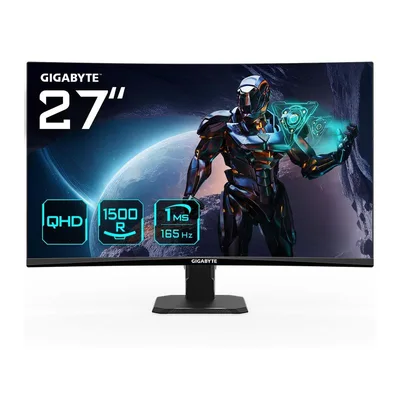
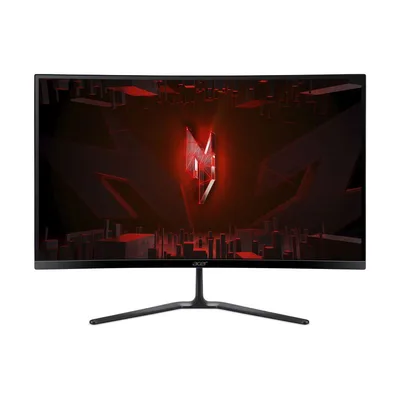
- Screen
- 27" VA curved
- Resolution
- 1440p
- Refresh rate
- 165 Hz
- Brightness
- 250 nits
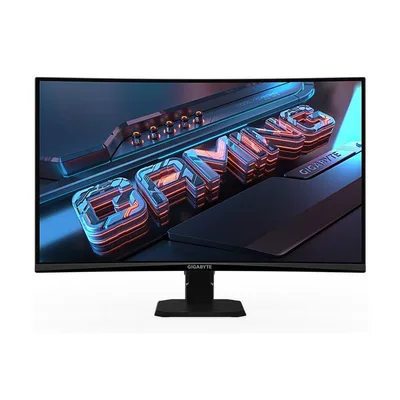
- Screen
- 27" VA curved
- Resolution
- 1440p
- Refresh rate
- 170 Hz
- Brightness
- —
- Screen
- 27" VA curved
- Resolution
- 1440p
- Refresh rate
- 180 Hz
- Brightness
- 250 nits