








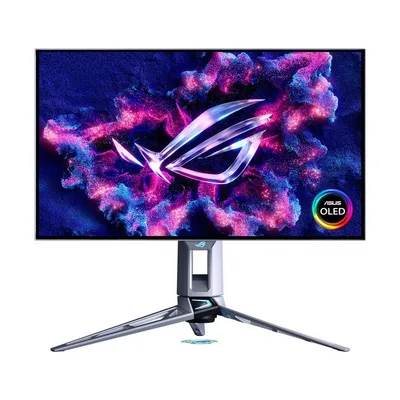
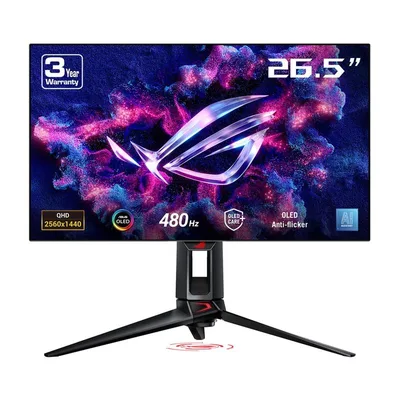
- Screen
- 26.5" WOLED
- Resolution
- 1440p
- Refresh rate
- 480 Hz
- Brightness
- —
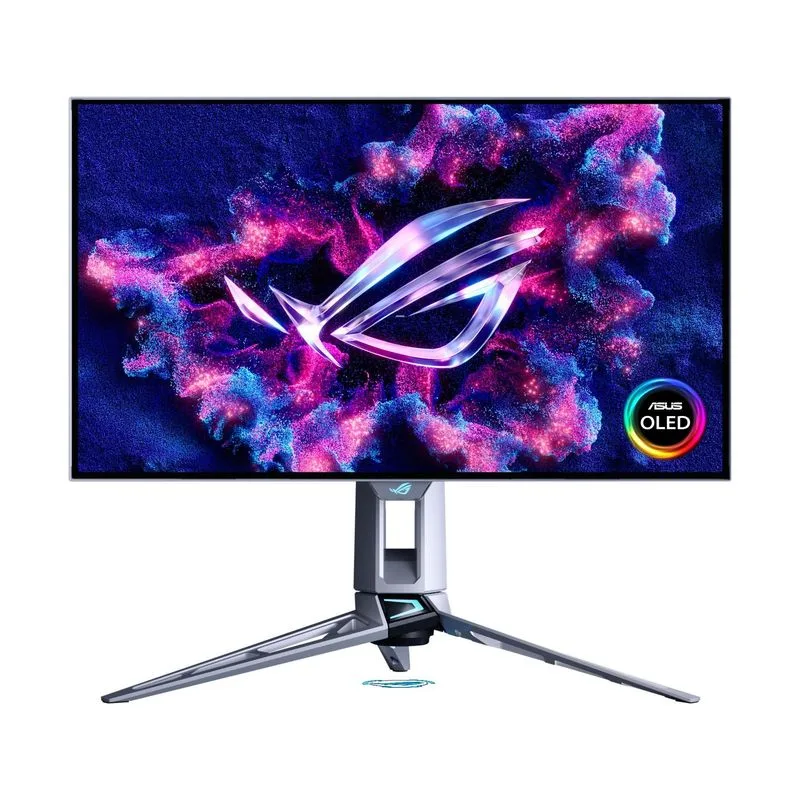
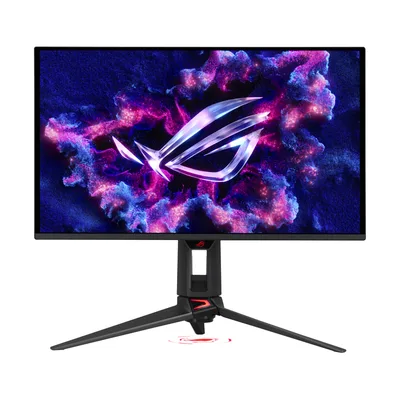
Image source: ASUS
ASUS ROG Swift OLED PG27AQWP
- Screen
- 26.5" WOLED
- Resolution
- 1440p (2560 x 1440)
- Refresh rate
- 540 Hz
- Response time
- 0.02 ms GtG
- HDR
- DisplayHDR True Black 500
- Adaptive sync
- G-SYNC Compatible, FreeSync Premium Pro
- Ports
- 2x HDMI 2.1 · 1x DP 2.1
- Stand
- Height 110 mm (4.33 in), swivel, pivot
- Weight
- 7.04 kg (15.5 lb)
We earn a commission from qualifying Amazon purchases made through our links, at no extra cost to you. This never affects our specs. How we make money.
Find it in these categories
ASUS ROG Swift OLED PG27AQWP at a glance
-
Motion
Built for esports
It refreshes faster than any other 27-inch monitor we list, and OLED pixels switch almost instantly, so fast games stay sharp instead of smearing.
-
Picture
True blacks
Each OLED pixel turns itself off, so dark scenes look properly black, where a backlit screen would show dark gray.
-
Burn-in
Covered for three years
Only 19 of the 52 OLED monitors we list state a burn-in warranty at all, and this is one of them, which takes most of the worry out of buying OLED.
-
Color
Wide, accurate color
It covers 99.5% of DCI-P3, the wide color range used for video and HDR, and it's calibrated at the factory, so colors are accurate out of the box.
ASUS ROG Swift OLED PG27AQWP full specifications
Overview
| Brand | ASUS |
|---|---|
| Model | ROG Swift OLED PG27AQWP |
| Series | ROG Swift |
| Type | Gaming monitor |
| Versions | ROG Swift OLED PG27AQWP-W |
| Warranty | 3 years |
Screen
It has a 26.5-inch 1440p WOLED screen, and WOLED gives perfect blacks and is among the brighter OLED panel types. The glossy finish makes colors pop but reflects lamps and windows.
| Screen size | 27 in |
|---|---|
| Exact diagonal | 26.5 in |
| Resolution | 2560 x 1440 |
| Pixel density | 111 ppi |
| Aspect ratio | 16:9 |
| Panel type | WOLED |
| Panel name | Tandem WOLED |
| Backlight | Self-lit pixels (OLED) |
| Screen finish | Glossy |
| Viewing angle | 178° |
Picture & color
Self-lit pixels give it effectively infinite contrast, so blacks are truly black even in a dark room. Color covers 99.5% of DCI-P3, a wide range that suits photo and video work. It's calibrated at the factory, so colors are close to right without tuning.
| HDR peak brightness | 1,500 nits |
|---|---|
| DisplayHDR certificate | DisplayHDR True Black 500 |
| HDR formats | HDR10 |
| Color depth | 10-bit |
| DCI-P3 coverage | 99.5 % |
| Factory calibrated | Yes |
Gaming & motion
It's faster than any other 27-inch monitor we list, more than most games need, though fast shooters are where you would notice it. With both G-SYNC Compatible and FreeSync it runs tear-free on NVIDIA and AMD graphics cards alike. Pixel response is near-instant, so moving objects stay sharp.
| Refresh rate | 540 Hz |
|---|---|
| Overclocked refresh | No |
| Adaptive sync | G-SYNC Compatible, FreeSync Premium Pro, VESA AdaptiveSync |
| Adaptive sync range | 48-540Hz |
| Response time (GtG) | 0.02 ms |
| Motion blur reduction | ELMB |
| Gaming extras | GamePlus, Game Visual, Shadow Boost, Dynamic Crosshair, Dynamic Shadow Boost, AI Visual, DisplayWidget Center, GameFast Input, Aspect Control |
Ports
It has two HDMI inputs and one DisplayPort input, enough to keep three devices plugged in. HDMI 2.1 gives current consoles their full speed. USB ports on the monitor save reaching behind the computer for a keyboard or webcam.
| HDMI ports | 2 |
|---|---|
| HDMI version | 2.1 |
| DisplayPort inputs | 1 |
| DisplayPort version | 2.1 (UHBR20) |
| USB-C video | No |
| USB-A ports | 3 |
| USB hub speed | 5 Gbps |
| Headphone jack | Yes |
| All ports | 1x DisplayPort 2.1, 2x HDMI 2.1 (FRL), 3x USB 3.2 Gen 1 Type-A, 1x Earphone jack |
Stand & mounting
Height, tilt, swivel and a turn to portrait are all built in, so you won't need an arm to get it right.
| Height adjustment | 110 mm (4.33 in) |
|---|---|
| Tilt | -5° to 20° |
| Swivel | -30° to 30° |
| Portrait mode (pivot) | Yes |
| Pivot range | -90° to 90° |
| VESA mount | 100 x 100 |
| Stand included | Yes |
Audio, camera & extras
It has no speakers, but a headphone jack passes sound through. OLED care tools shift and refresh pixels in the background to lower the risk of burn-in. Blue light is cut in hardware, so colors stay natural for long sessions.
| Speakers | No |
|---|---|
| Flicker-free | Yes |
| Low blue light | Hardware (no color shift) |
| Certifications | TÜV Flicker-free, TÜV Low Blue Light (Hardware Solution) |
| OLED care features | ASUS OLED Care |
| Burn-in warranty | 3 years |
Size, weight & power
| Weight with stand | 7.04 kg (15.5 lb) |
|---|---|
| Weight without stand | 4.54 kg (10.0 lb) |
| Dimensions with stand | 605.6 x 547.9 x 273.5 mm (23.84 x 21.57 x 10.77 in) |
| Dimensions without stand | 605.6 x 369.4 x 63.1 mm (23.84 x 14.54 x 2.48 in) |
| Power supply | Built in |
In the box
| In the box | Color pre-calibration report, DisplayPort 2.1 (DP80) cable, HDMI ultra high speed cable, Microfiber cloth, Power cord, Quick start guide, ROG pouch, ROG sticker, USB 3.2 cable, VESA mount kit, Warranty card |
|---|
Specs compiled from ASUS's product pages and datasheets. Manufacturers revise hardware between versions, so check the version on the box. Spotted an error? Tell us.
Similar monitors
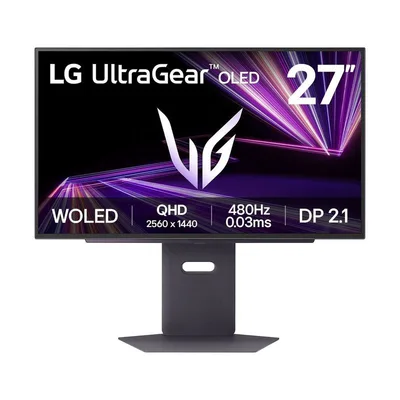
- Screen
- 27" WOLED
- Resolution
- 1440p
- Refresh rate
- 480 Hz
- Brightness
- 275 nits
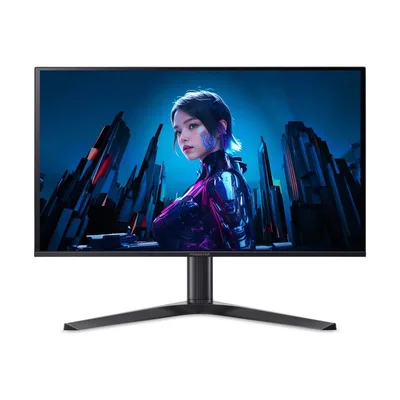
- Screen
- 26.5" QD-OLED
- Resolution
- 1440p
- Refresh rate
- 500 Hz
- Brightness
- 300 nits
- Screen
- 26.5" QD-OLED
- Resolution
- 1440p
- Refresh rate
- 500 Hz
- Brightness
- 300 nits