








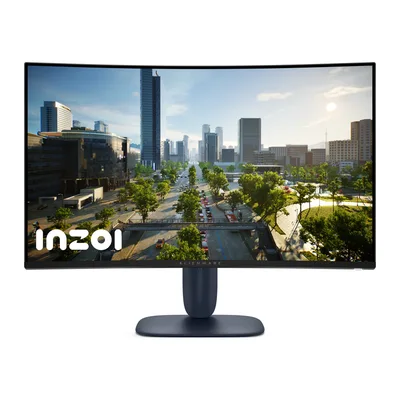
- Screen
- 32" VA
- Resolution
- 1440p
- Refresh rate
- 180 Hz
- Brightness
- 300 nits
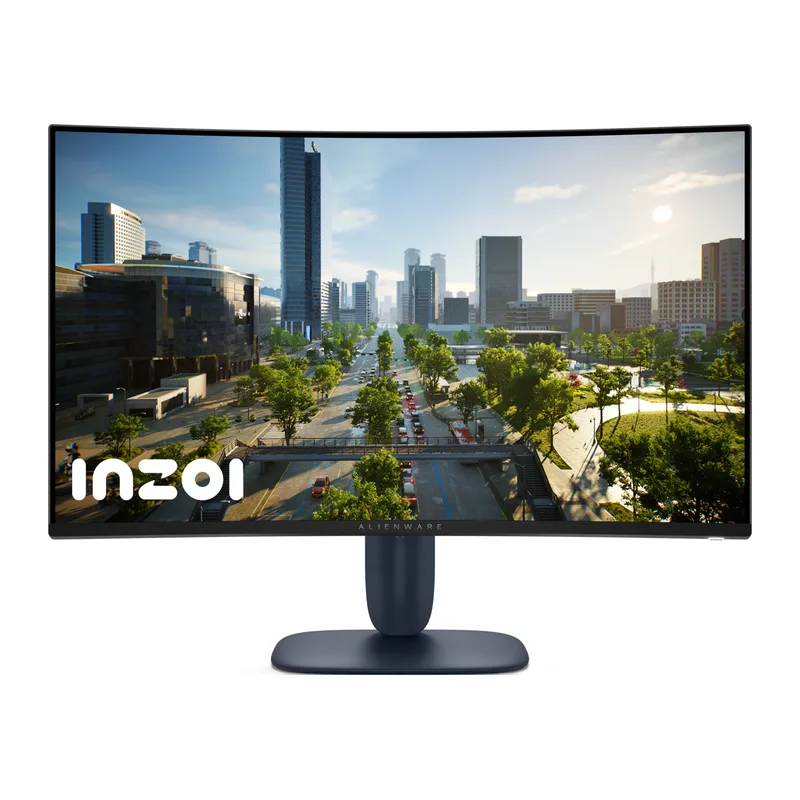
Image source: Alienware
Alienware AW3225DM
- Screen
- 31.5" VA curved
- Resolution
- 1440p (2560 x 1440)
- Refresh rate
- 180 Hz
- Response time
- 1 ms GtG
- Brightness
- 400 nits
- HDR
- DisplayHDR 400
- Adaptive sync
- FreeSync
- Ports
- 2x HDMI 2.1 · 1x DP 1.4
- Stand
- Height 110 mm (4.33 in)
- Weight
- 9.63 kg (21.2 lb)
We earn a commission from qualifying Amazon purchases made through our links, at no extra cost to you. This never affects our specs. How we make money.
Find it in these categories
Alienware AW3225DM at a glance
-
Motion
180Hz for smooth play
180Hz is a clear step up from a 60Hz screen for games, and it's the level most players never feel the need to go past.
-
Contrast
Deep contrast
Blacks look deeper than on most screens, since its VA panel out-contrasts 76% of the monitors we list, though very fast motion can smear a little.
-
Best for
Built for play
A 31.5-inch 1440p gaming screen at 180Hz with adaptive sync to stop tearing.
-
Consoles
HDMI tops out at 144Hz
HDMI stops at 144Hz, below the full 180Hz, so a PS5 or Xbox can't use all of it. It's a PC-first monitor.
Alienware AW3225DM full specifications
Overview
| Brand | Alienware |
|---|---|
| Model | AW3225DM |
| Series | Alienware |
| Type | Gaming monitor |
| Colors | Dark blue |
| Warranty | 3 years |
Screen
A 31.5-inch 1440p VA curved screen. VA gives deeper blacks than IPS, at the cost of narrower viewing angles and slower dark transitions.
| Screen size | 32 in |
|---|---|
| Exact diagonal | 31.5 in |
| Resolution | 2560 x 1440 |
| Pixel density | 93 ppi |
| Aspect ratio | 16:9 |
| Panel type | VA |
| Panel name | Vertical Alignment (VA) |
| Backlight | Edge-lit LED |
| Curved | Yes |
| Curvature | 1500R |
| Screen finish | Matte (anti-glare) |
| Viewing angle | 178° |
Picture & color
At 3,000:1 its contrast beats 76% of the monitors we list, so dark scenes keep their depth. It's brighter than 85% of the monitors we list, so it stays readable in a bright room. Its DisplayHDR 400 badge means HDR works, but it looks only a little different from normal.
| Brightness | 400 nits |
|---|---|
| Contrast ratio | 3,000:1 |
| DisplayHDR certificate | DisplayHDR 400 |
| Color depth | 10-bit |
| DCI-P3 coverage | 95 % |
Gaming & motion
180Hz gives smooth, responsive play in most games, well short of esports speeds but far beyond a basic screen. FreeSync smooths out frame-rate dips on AMD graphics, and most NVIDIA cards can use it as well.
| Refresh rate | 180 Hz |
|---|---|
| Overclocked refresh | No |
| Refresh by input | HDMI 144Hz, DisplayPort 180Hz |
| Adaptive sync | FreeSync, VESA AdaptiveSync |
| Adaptive sync range | 48-180Hz |
| Response time (GtG) | 1 ms |
Ports
With two HDMI inputs and one DisplayPort input it can stay connected to three devices at once. HDMI stops at 144Hz, below the full 180Hz, so connect a PC another way to use all of it. USB ports on the monitor save reaching behind the computer for a keyboard or webcam.
| HDMI ports | 2 |
|---|---|
| HDMI version | 2.1 |
| DisplayPort inputs | 1 |
| DisplayPort version | 1.4 |
| USB-C video | No |
| USB-A ports | 2 |
| USB hub speed | 5 Gbps |
| USB upstream | USB-B |
| All ports | 2x HDMI 2.1, 1x DisplayPort 1.4, 1x USB-A 5Gbps downstream with Battery Charging 1.2, 1x USB-A 5Gbps downstream, 1x USB-B 5Gbps upstream |
Stand & mounting
It raises and tilts, enough to get the top of the screen to eye level, though it won't turn to portrait. It takes a standard 100 x 100 VESA mount if you'd rather use an arm.
| Height adjustment | 110 mm (4.33 in) |
|---|---|
| Tilt | -5° to 21° |
| Portrait mode (pivot) | No |
| VESA mount | 100 x 100 |
| Stand included | Yes |
Audio, camera & extras
| Picture-in-picture | Yes |
|---|
Size, weight & power
At 9.63 kg (21.2 lb) it's a heavy screen, so check your desk or arm can take it.
| Weight with stand | 9.63 kg (21.2 lb) |
|---|---|
| Weight without stand | 6.58 kg (14.5 lb) |
| Dimensions with stand | 707.4 x 473.7 x 231.9 mm (27.85 x 18.65 x 9.13 in) |
| Dimensions without stand | 708.7 x 419.1 x 121.9 mm (27.9 x 16.5 x 4.8 in) |
| Power use (typical) | 33 W |
| Power use (max) | 90 W |
| Standby power | 0.3 W |
In the box
| In the box | Stand, Power cable, 1 x displayport-displayport cable - 1.80 m (5.91 ft), 1 x HDMI cable - 1.80 m (5.91 ft), 1 x USB Type-A to Type-B 5Gbps cable - 1.80 m (5.91 ft), QR card, Alienware sticker, Safety, environmental, and regulatory information |
|---|
Specs compiled from Alienware's product pages and datasheets. Manufacturers revise hardware between versions, so check the version on the box. Spotted an error? Tell us.
Similar monitors
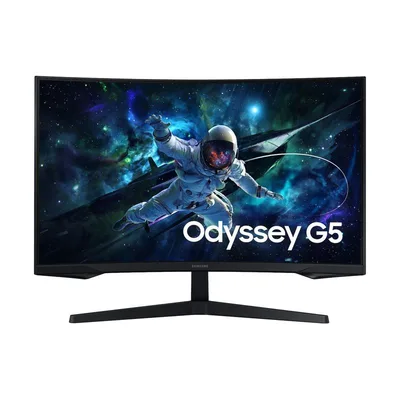
- Screen
- 31.5" VA curved
- Resolution
- 1440p
- Refresh rate
- 180 Hz
- Brightness
- 300 nits
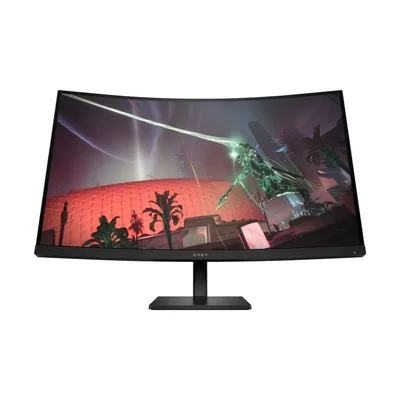
- Screen
- 32" VA curved
- Resolution
- 1440p
- Refresh rate
- 165 Hz
- Brightness
- 300 nits
- Screen
- 31.5" VA curved
- Resolution
- 1440p
- Refresh rate
- 165 Hz
- Brightness
- 400 nits