








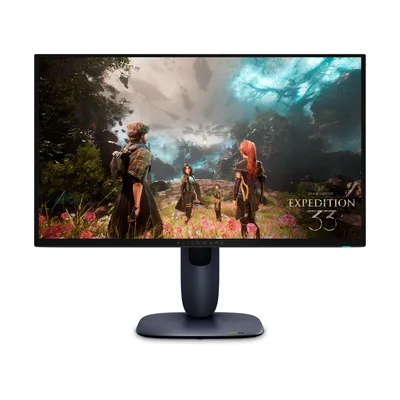
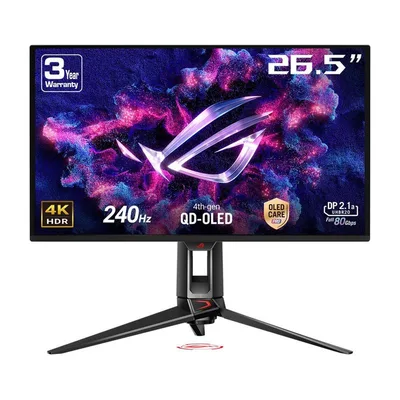
- Screen
- 26.5" QD-OLED
- Resolution
- 4K
- Refresh rate
- 240 Hz
- Brightness
- 250 nits
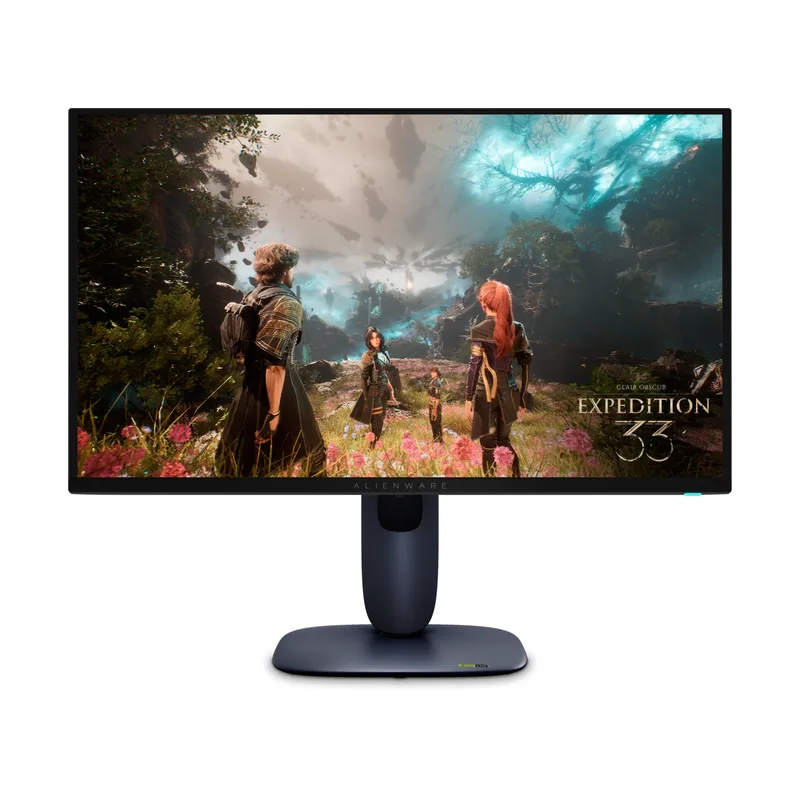
Image source: Alienware
Alienware AW2725Q
- Screen
- 26.7" QD-OLED
- Resolution
- 4K (3840 x 2160)
- Refresh rate
- 240 Hz
- Response time
- 0.03 ms GtG
- Brightness
- 250 nits
- HDR
- DisplayHDR True Black 400
- Adaptive sync
- G-SYNC Compatible, FreeSync Premium Pro
- Ports
- 2x HDMI 2.1 · 1x DP 1.4
- Stand
- Height 110 mm (4.33 in), swivel, pivot
- Weight
- 6.79 kg (15.0 lb)
We earn a commission from qualifying Amazon purchases made through our links, at no extra cost to you. This never affects our specs. How we make money.
Find it in these categories
Alienware AW2725Q at a glance
-
Sharpness
Razor-sharp text
It's sharper than 97% of the 27-inch monitors we list, so text looks crisp and photos show fine detail, though games need a powerful graphics card to run at this resolution.
-
Picture
True blacks
Each OLED pixel turns itself off, so dark scenes look properly black, where a backlit screen would show dark gray.
-
Motion
240Hz for fast games
240Hz is the speed competitive players look for, so fast shooters feel noticeably sharper than on a 144Hz screen.
-
Consoles
4K 120Hz for consoles
HDMI 2.1 lets a PS5 or Xbox Series X run at 4K and 120 frames per second, the most current consoles can send.
Alienware AW2725Q full specifications
Overview
| Brand | Alienware |
|---|---|
| Model | AW2725Q |
| Series | Alienware |
| Type | Gaming monitor |
| Colors | Dark blue |
| Warranty | 3 years |
Screen
This is a 26.7-inch 4K QD-OLED screen: QD-OLED is the type to pick if you care most about contrast and vivid color. It's sharper than 97% of the 27-inch monitors we list, so you can fit more on screen without squinting.
| Screen size | 27 in |
|---|---|
| Exact diagonal | 26.7 in |
| Resolution | 3840 x 2160 |
| Pixel density | 166 ppi |
| Aspect ratio | 16:9 |
| Panel type | QD-OLED |
| Panel name | Quantum Dot OLED |
| Backlight | Self-lit pixels (OLED) |
| Curved | No |
| Screen finish | Matte (anti-glare) |
| Viewing angle | 178° |
Picture & color
Self-lit pixels give it effectively infinite contrast, so blacks are truly black even in a dark room. Color covers 99% of DCI-P3, a wide range that suits photo and video work.
| Brightness | 250 nits |
|---|---|
| HDR peak brightness | 1,000 nits |
| DisplayHDR certificate | DisplayHDR True Black 400 |
| HDR formats | Dolby Vision |
| DCI-P3 coverage | 99 % |
Gaming & motion
240Hz is very smooth, the speed competitive players look for. With both G-SYNC Compatible and FreeSync it runs tear-free on NVIDIA and AMD graphics cards alike. Pixel response is near-instant, so moving objects stay sharp.
| Refresh rate | 240 Hz |
|---|---|
| Overclocked refresh | No |
| Adaptive sync | G-SYNC Compatible, FreeSync Premium Pro, VESA AdaptiveSync |
| Adaptive sync range | 48-240Hz |
| Response time (GtG) | 0.03 ms |
Ports
It has two HDMI inputs and one DisplayPort input, enough to keep three devices plugged in. HDMI 2.1 gives current consoles their full speed. USB ports on the monitor save reaching behind the computer for a keyboard or webcam.
| HDMI ports | 2 |
|---|---|
| HDMI version | 2.1 |
| DisplayPort inputs | 1 |
| DisplayPort version | 1.4 |
| USB-C video | No |
| USB-C laptop charging | 15 W |
| USB-A ports | 3 |
| USB hub speed | 5 Gbps |
| USB upstream | USB-B |
| All ports | 1x DisplayPort 1.4 (HDCP 1.4 & 2.3), supports 3840 x 2160, 240 Hz, DSC, HDR, 2x HDMI (HDCP 1.4 & 2.3), supports 3840 x 2160, 240 Hz, FRL, HDR, VRR; one HDMI 2.1 FRL with eARC/ARC, 1x USB 5Gbps Type-B upstream, 3x USB 5Gbps Type-A downstream, 1x USB-C 5Gbps downstream (Power Delivery up to 15 W) |
Stand & mounting
The stand does everything: height, tilt, swivel and portrait mode, which makes a comfortable eye-level setup easy.
| Height adjustment | 110 mm (4.33 in) |
|---|---|
| Tilt | -5° to 21° |
| Swivel | -20° to 20° |
| Portrait mode (pivot) | Yes |
| Pivot range | -90° to 90° |
| VESA mount | 100 x 100 |
| Stand included | Yes |
Audio, camera & extras
| Certifications | ENERGY STAR 8.0, TCO Certified |
|---|---|
| Picture-in-picture | Yes |
Size, weight & power
It draws more power than 92% of the 27-inch monitors we list, so it runs warmer and costs a little more to leave on.
| Weight with stand | 6.79 kg (15.0 lb) |
|---|---|
| Weight without stand | 4.3 kg (9.5 lb) |
| Dimensions with stand | 609.6 x 405.9 x 210.1 mm (24 x 15.98 x 8.27 in) |
| Dimensions without stand | 609.6 x 355.6 x 73.7 mm (24 x 14 x 2.9 in) |
| Power use (typical) | 39.4 W |
| Power use (max) | 190 W |
| Standby power | 0.5 W |
In the box
| In the box | Stand, Power cable, 1 x displayport-displayport cable - 1.80 m (5.91 ft), 1 x HDMI cable - 1.80 m (5.91 ft), 1 x USB Type-A to Type-B 5Gbps cable - 1.80 m (5.91 ft), Microfiber cloth, QR card, Safety, environmental, and regulatory information, Alienware sticker |
|---|
Specs compiled from Alienware's product pages and datasheets. Manufacturers revise hardware between versions, so check the version on the box. Spotted an error? Tell us.
Similar monitors
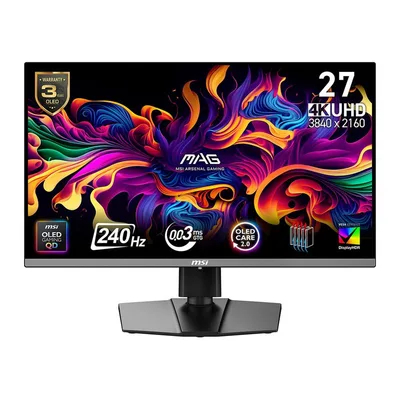
- Screen
- 26.5" QD-OLED
- Resolution
- 4K
- Refresh rate
- 240 Hz
- Brightness
- 250 nits
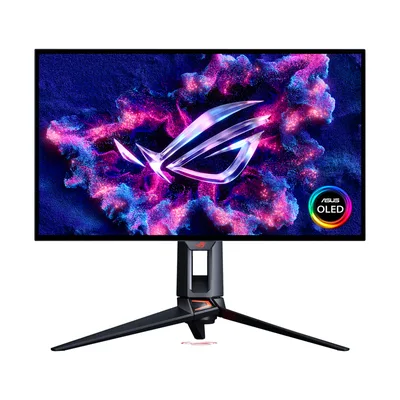
- Screen
- 26.5" WOLED
- Resolution
- 4K
- Refresh rate
- 240 Hz
- Brightness
- 250 nits
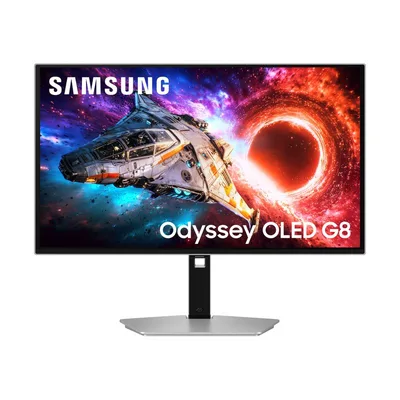
- Screen
- 27" OLED
- Resolution
- 4K
- Refresh rate
- 240 Hz
- Brightness
- 250 nits